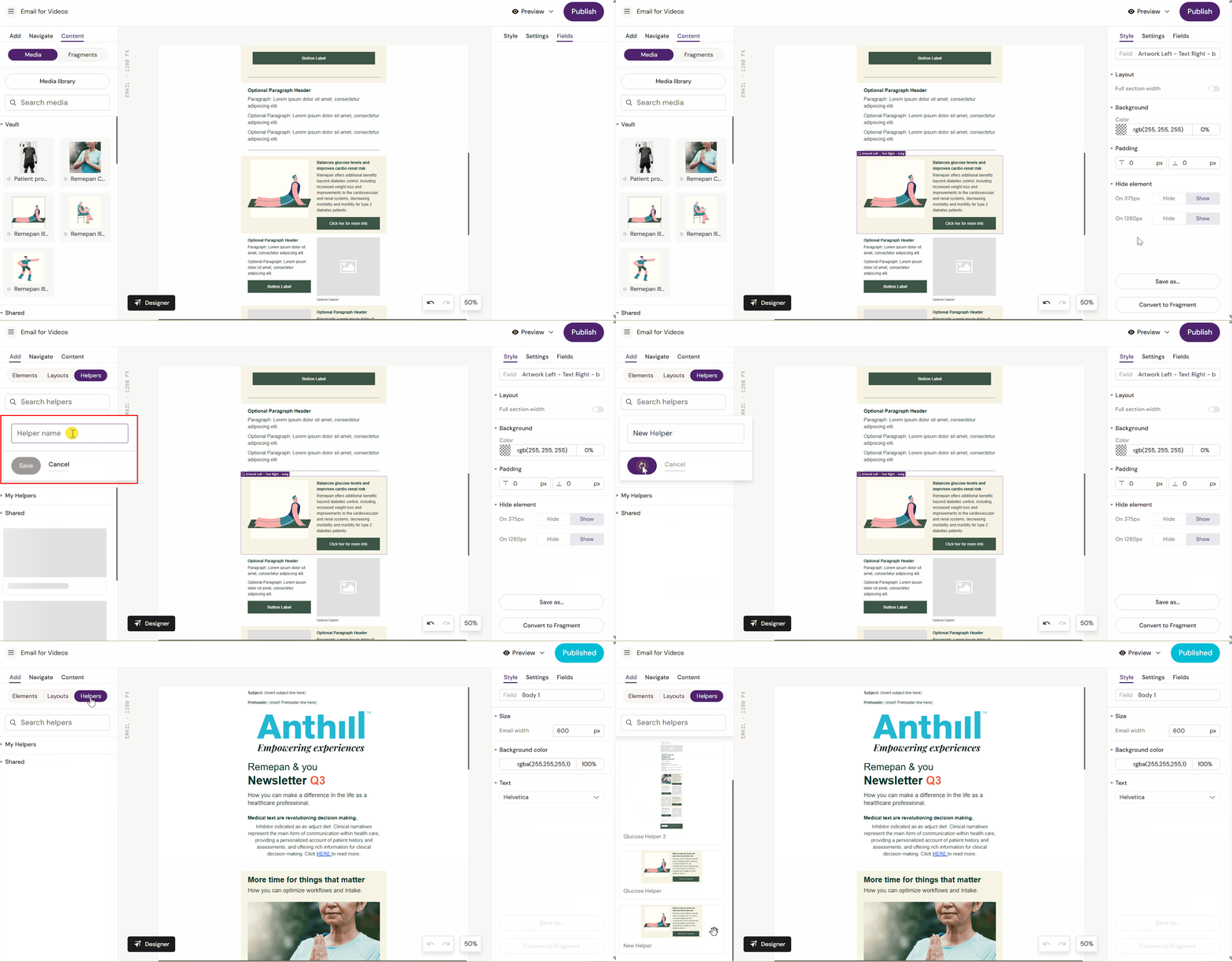
How to Create Helpers
Reuse layouts with Helpers
Save layouts that include images, text, and links as Helpers to make future work faster and easier.
When you create a Helper it is saved to the Design System.
Your Helper can be used by other people who are using the same Design System and you can use other people’s Helpers (Shared).
Only you can delete or edit your Helper.
Other users can create their own Helpers, using your Helper as a model.
A Helper for a Slide can only be used on other Slide documents. An Email Helper can only be used on Emails.
To create a Helper, go to the Fields panel and select the option to save it. You can find all your saved Helpers under Content > Helpers.