
Design System Hierarchy
Design System Structure
Design Systems (DS3) for Activator 3 are organized in a top-down hierarchy. The Master Design System (MDS) sits at the top and defines the foundation. Below it, you can create Brand, Regional, and Local Design Systems, each inheriting structures, assets, and components from the system above.
Inheritance helps maintain consistency while allowing flexibility. Changes made in a parent system automatically flow to its children but adopting those changes is not mandatory.
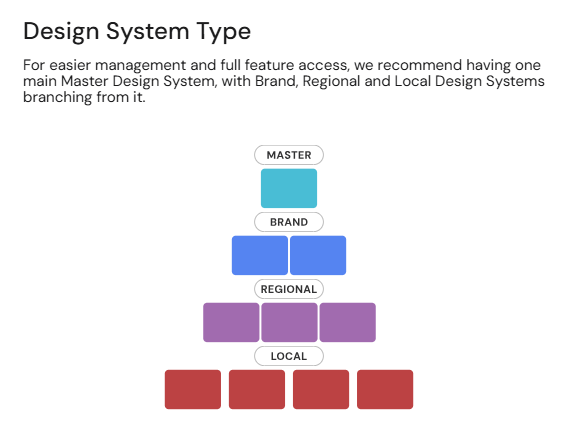
Types of Design Systems
Master Design System (MDS)
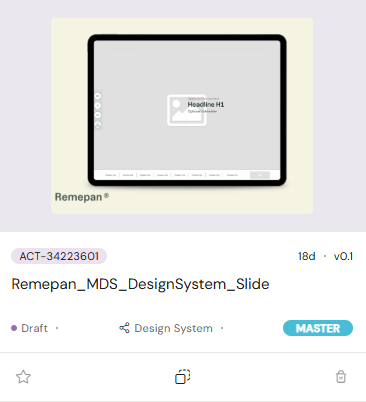
The Master Design System is the source of truth for all other systems. It defines the global foundations such as color, typography, components, layouts and templates.
Use the MDS to:
Establish core design principles and shared assets.
Ensure alignment across all connected systems.
Maintain control over global updates.
We recommend having only one MDS per organization to ensure consistent governance.
Brand Design System (BDS)
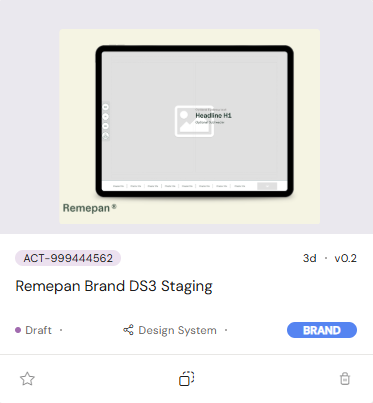
A Brand Design System is created from the Master Design System. It inherits its structure and assets and can be used to reflect the identity and needs of a specific brand.
Use the BDS to:
Apply brand-specific visual language (logos, color palettes, tone).
Extend or adjust global components to fit brand requirements.
Keep brand-level updates aligned with the MDS foundation.
Regional Design System (RDS)
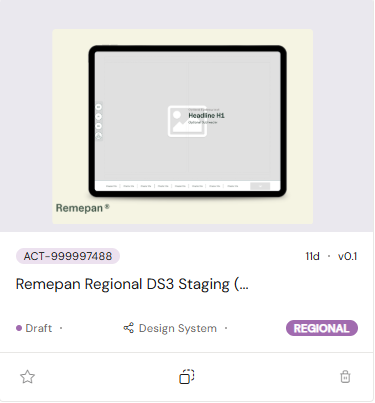
A Regional Design System is created from a Brand Design System. It exists to meet regional needs while staying true to the brand and master principles.
Use the RDS to:
Adapt content and components for regional markets, languages, or regulations.
Implement region-specific assets or layouts.
Maintain consistency with the Brand and Master systems.
Local Design System (LDS)
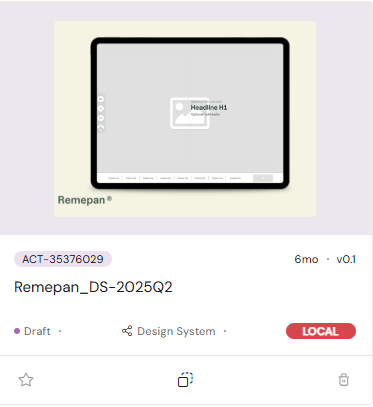
A Local Design System is created from a Regional Design System. It provides the most flexibility for teams working in individual markets or countries.
Use the LDS to:
Customize assets, layouts, or messaging for local audiences.
Respond quickly to local requirements or campaigns.
Retain consistency by inheriting updates from higher-level systems.
This structure ensures that all design systems stay connected through a clear hierarchy enabling global consistency, easier maintenance, and scalable customization at every level.