
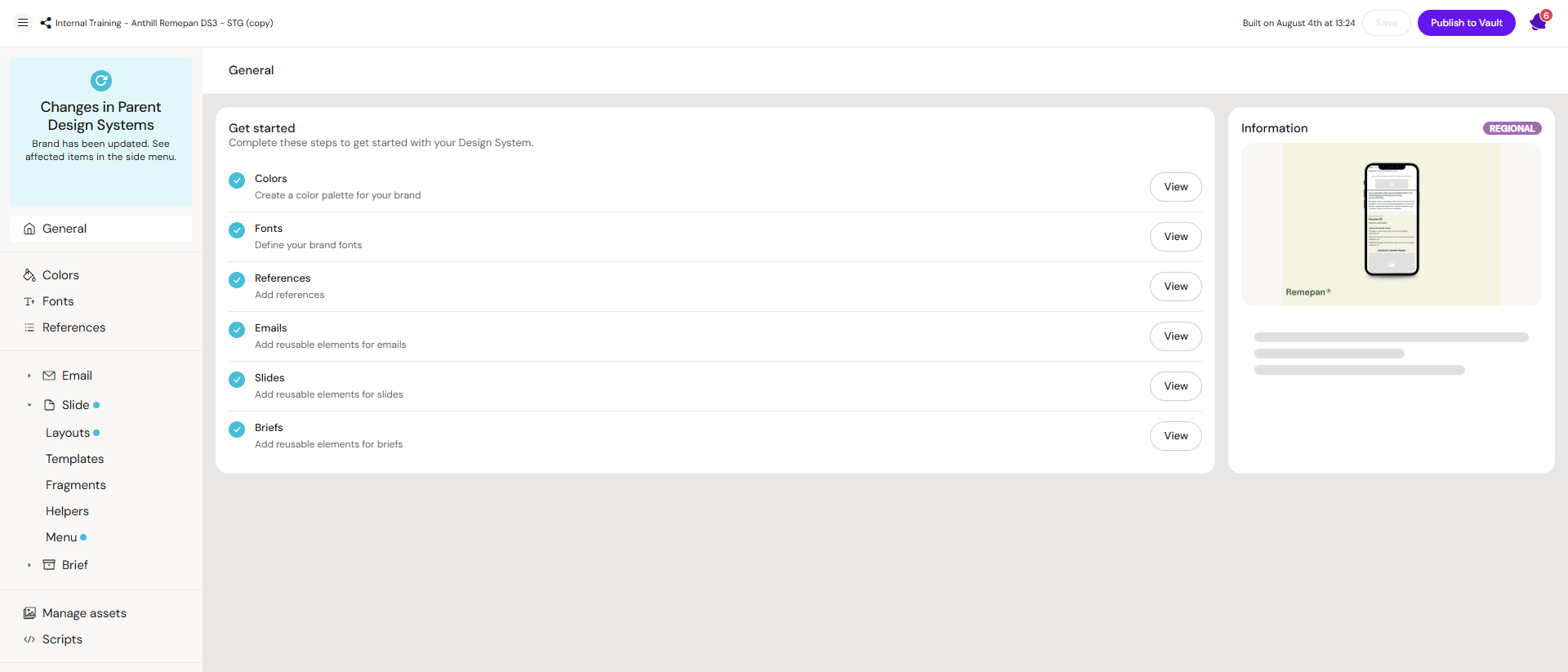
A Design System in Activator is a reusable set of brand building blocks used to create consistent content across channels (Email, Slides, Briefs). It typically includes styling (colors, typography, spacing), assets, layouts, templates, components, helpers/fragments, and (where applicable) code resources.
Think of it as LEGO: smaller parts combine into larger patterns, then into templates, then into finished content. The goal is speed, consistency, and predictable output for everyone using the system—not just the people who built it.
DS3 vs DS2
Activator supports two Design System formats:
-
Stored as versioned resources inside Activator (document-based)
-
Governed with parent–child relationships and traceability
-
Designed to scale across brands, clients, and teams
-
Stored as static folder/file structures
-
Limited governance and traceability
-
Fully supported for existing tenants; no behavior changes
Banners
The Banners channel uses Design Systems the same way as other channels, with one key structural difference: Banner documents are built only from layouts. Templates, helpers, and components are not part of the Banners channel in this release.
Banner layouts also carry additional metadata beyond standard layouts — the viewports they are compatible with (e.g. 300×250, 300×600), whether they are intended for animated or static banners, and an animation description used in the MLR report. In the banner editor, the layouts panel filters automatically based on the currently focused viewport.
See Banner Layouts for how banner-ready layouts are added to a Design System.