
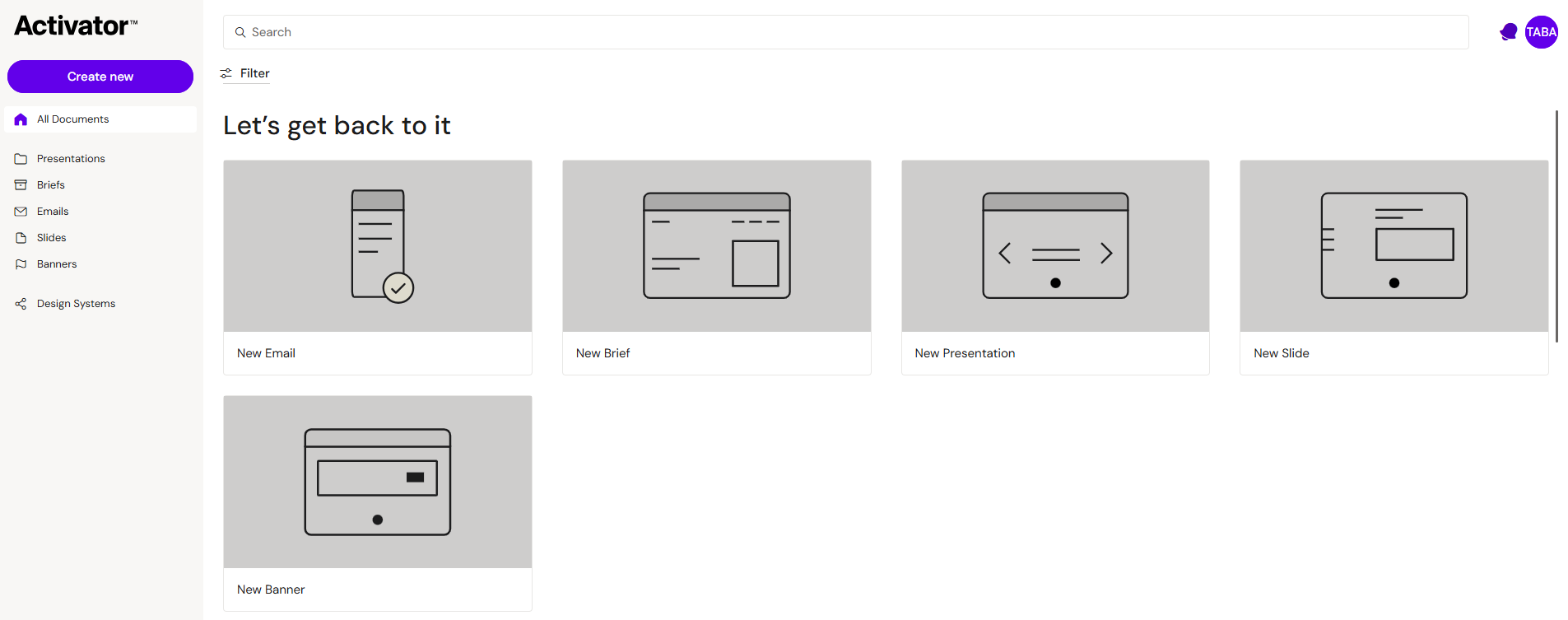
A channel in Activator defines the document type you are producing and how it will be used downstream.
-
Email: responsive emails for delivery via your repository and email distribution tools
-
Slides / eDetailer: slide-based content typically used on iPads in CRM applications (often IVA/eDetailer)
-
Briefs: single-page, vertically scrolling documents often used for long-form layouts and handover/spec workflows
-
Banners: HTML banners (animated and static) for distribution to ad platforms, built across multiple viewports from a single document
Each channel shares the same editor experience, but differs in:
-
available components and layout rules
-
preview modes and device presets
-
publishing behaviour and downstream packaging
Choose a channel to learn the workflows and constraints specific to that output.
Varies by tenant (Anthill-managed)
Available channels and features depend on tenant configuration. The Banners channel in particular is enabled by Anthill as part of tenant configuration. Learn more.