
Activator provides a source editor from where users are is able to manually change the source file (HTML/MJML), CSS classes, etc.
To open the source editor in Activator, use /source as postfix in the URL of the document (/v2/dovument/{id}/{major}/{minor}/source) - for example, change from /v2/document/19244/0/1/editor?mode=preview to /v2/document/19244/0/1/source.
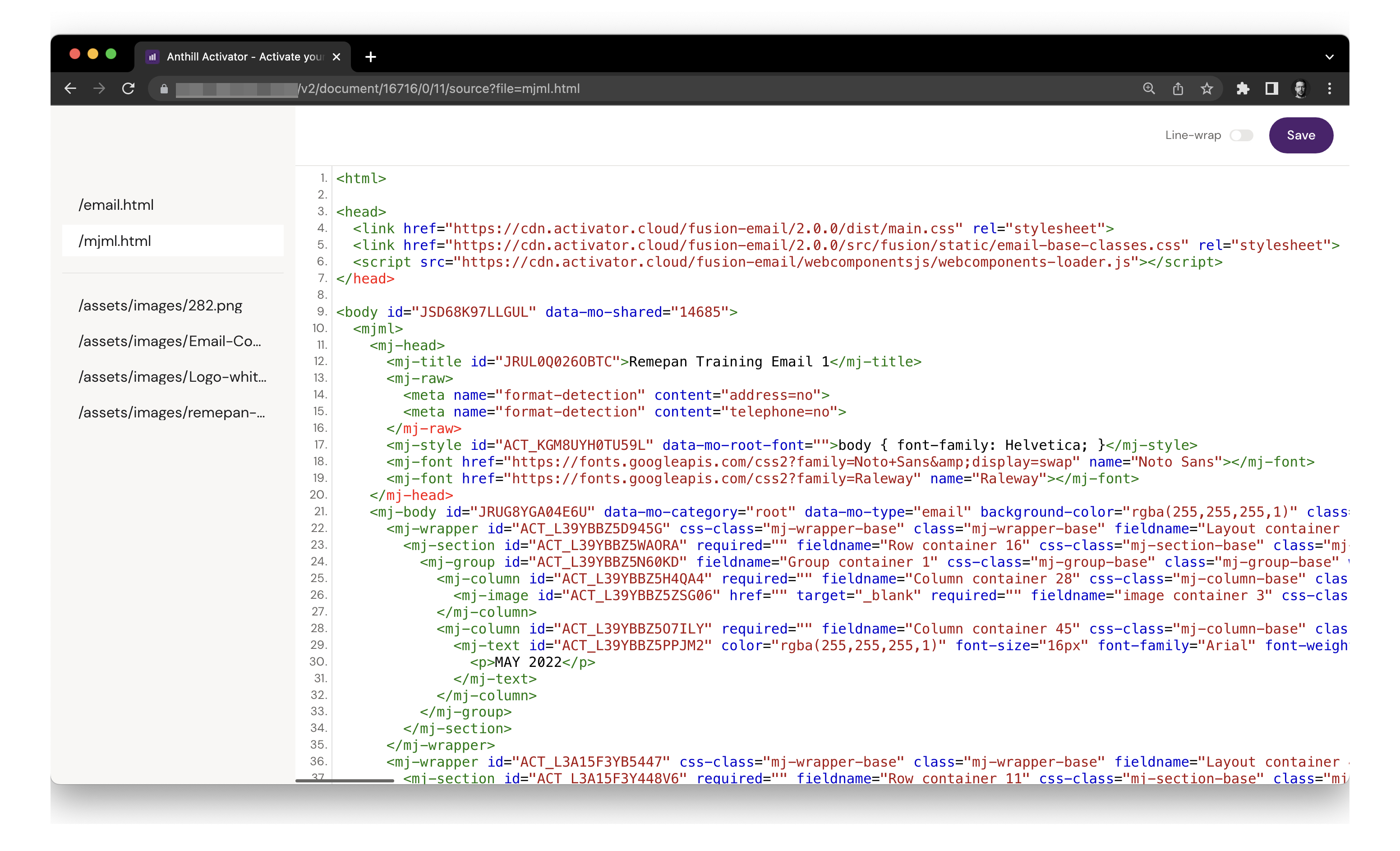
The source editor can be used for the following document types:
-
Multichannel Slide
-
Email Template
-
Email Fragment
Using the source editor specifically for Emails
When working with the two latter Emails document types, and accessing the source editor you will start in the mjml.html file. Please read more about the Email framework used here: Activator Emails - Framework & Responsive Design.
Activator will compile everything within the <mjml> tag (and disregard anything else) to an email.html-file. The email.html-fil is the one that is being distributed, meaning that you are not supposed to edit the email.html file nor anything outside the <mjml>-tag, as it will be overridden on each save in the Editor/Designer.