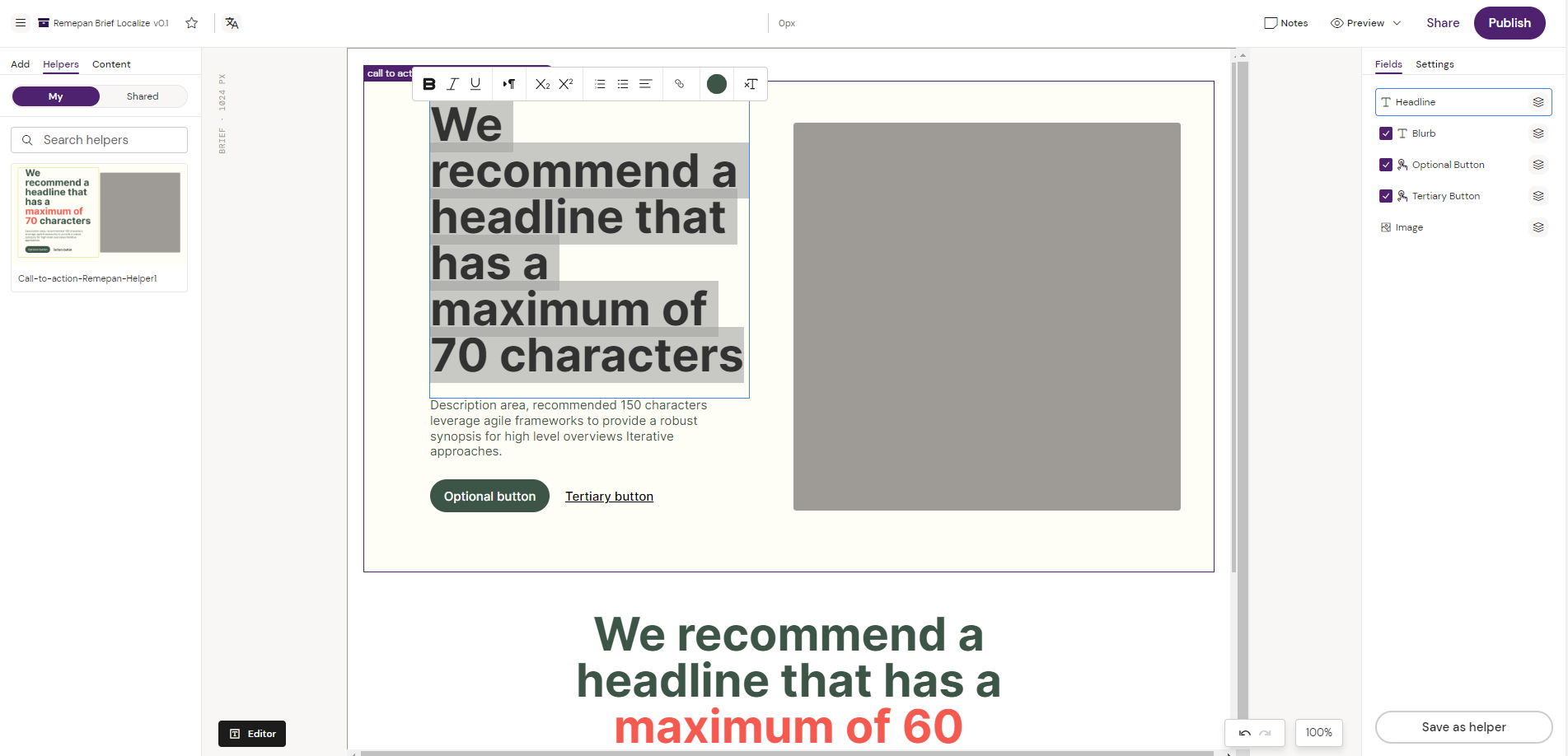
How to edit existing text on a Brief.
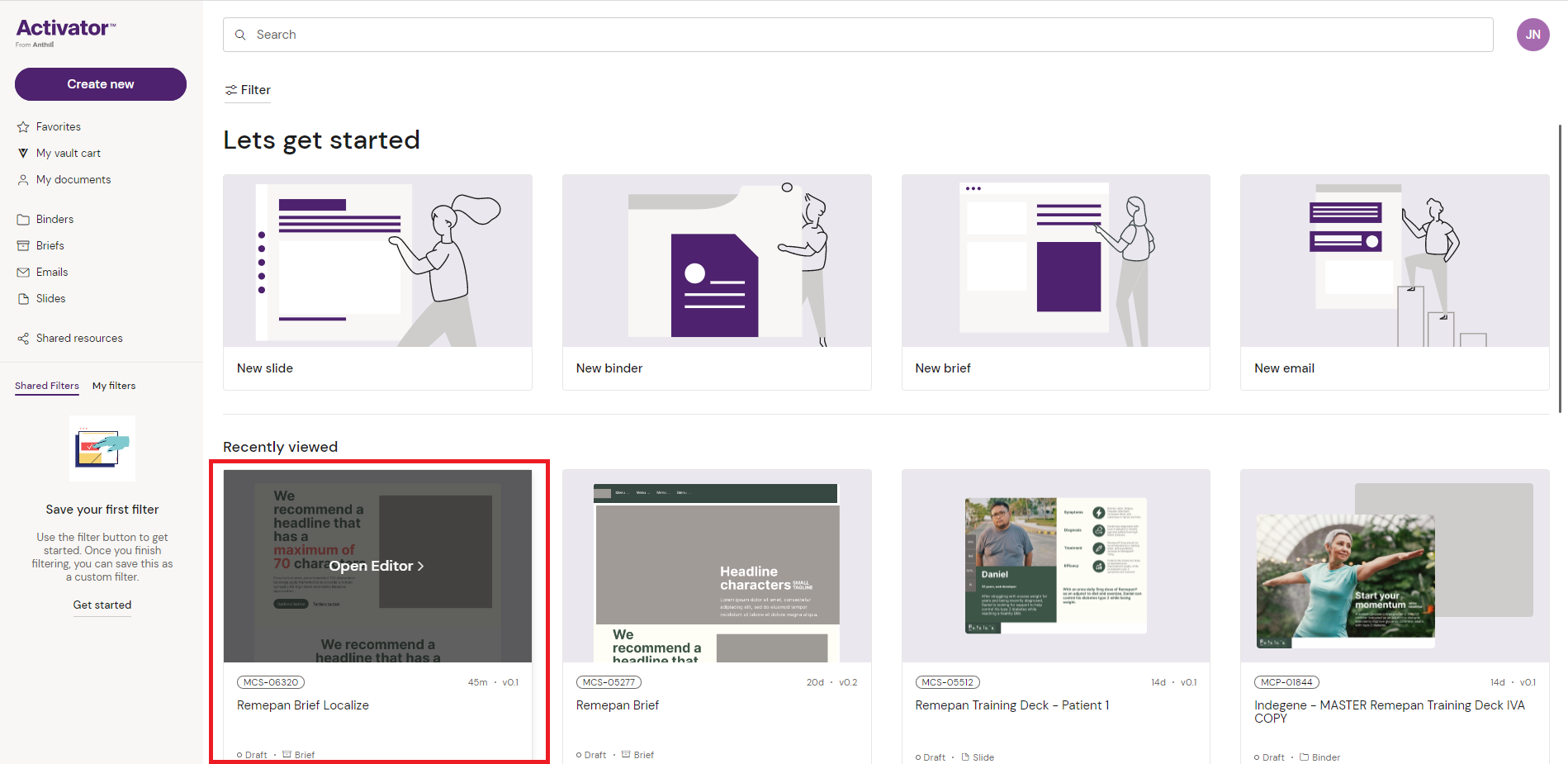
1. To access the editing mode in Activator, find your Brief and click on it to open the Editor
2. From here double click on any text that you wish to edit. This will also open up the text editor to apply formatting on your text.