
Breadcrumbs

Values in input fields (Position, Size)

Activator Content Designers can use a negative value in position properties (top, left, object position). Also, position properties should not be empty when an Absolute Position is chosen.
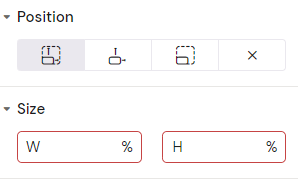
c70fecba-46bd-4f81-b9e2-dbba9a54ff58#media-blob-url=true&id=66fe25f3-9cfc-4194-9d15-14a8681adba6&contextId=83816&collection=


image-20230214-144321.png

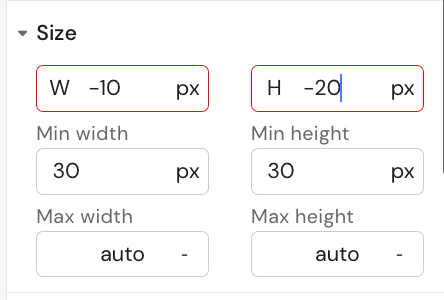
Dimension properties (width, height, radius) can only have positive values. The field gets highlighted when the user tries to enter a negative value, and the value will not be stored.

dbd426f5-25d5-4f9e-bb09-85a8c078c55a#media-blob-url=true&id=7a40c487-4687-44ed-82b3-21a78b679542&collection=&contextId=83816&mimeType=image%2Fpng&name=image-20221014-090159.png&size=25499&height=300&width=444&alt=