Upload through Activator
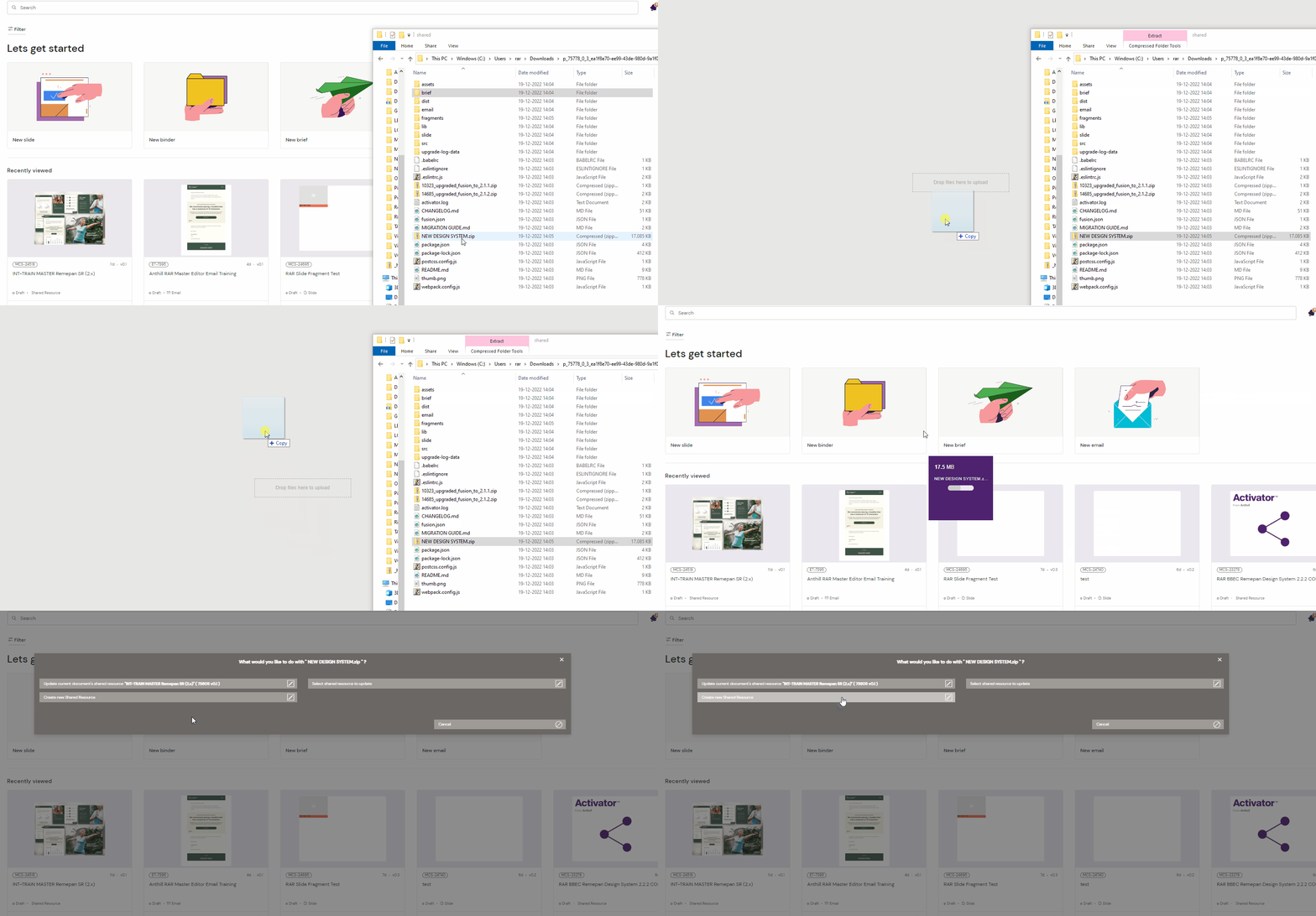
You can upload a Design System to Activator by dragging and dropping it into an open Activator session.
Select the file from your computer, and drag it with your mouse into Activator. Once you let go, the file will upload.
If you want to upload it as a new Design System, select the option “Create New Share Resource”
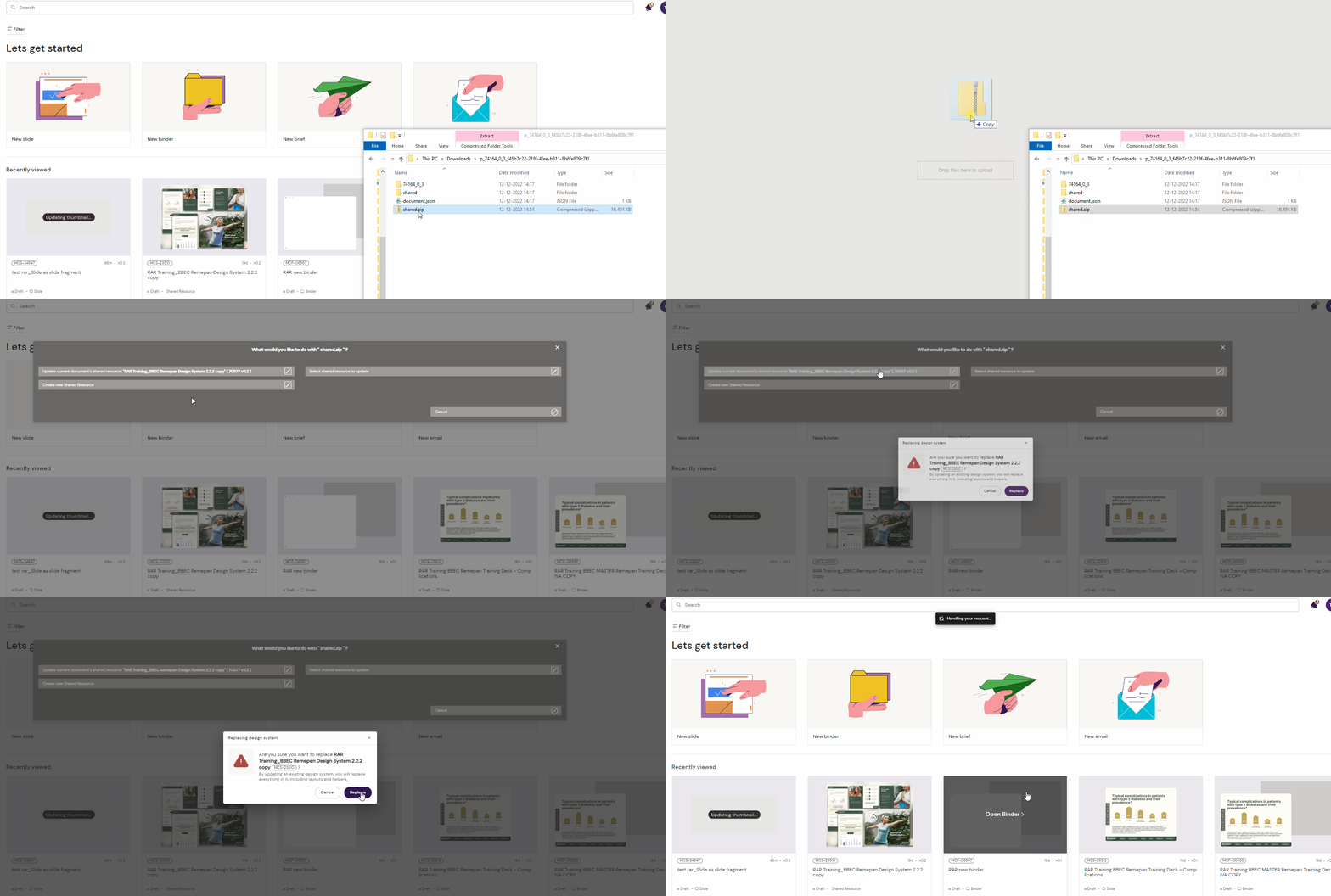
If you want to update an existing Design System, either select to “update the current document’s Shared Resource” or “Select Shared Resource to update”
Upload through Veeva Vault
In many cases, you can also upload content through Veeva Vault.
Please check with your admins on which type of content Design Systems are filed under, as these settings can vary.
In the following example, a placeholder is created and categorized as a Multichannel Slide
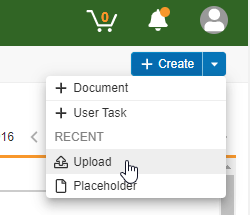
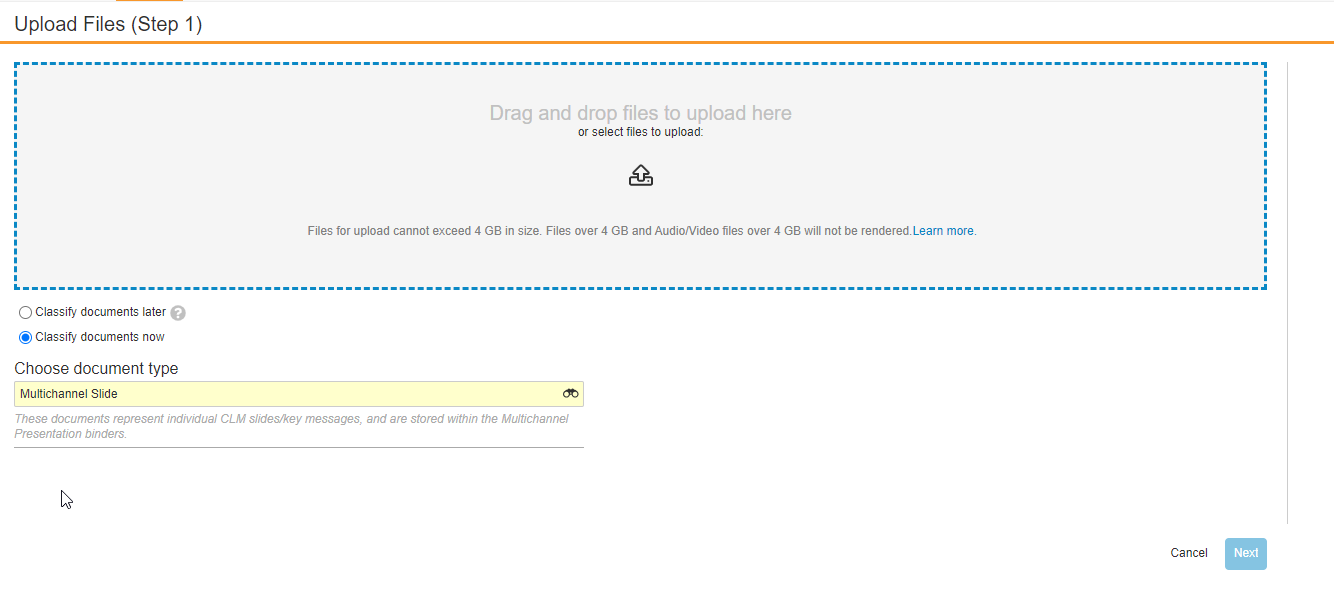
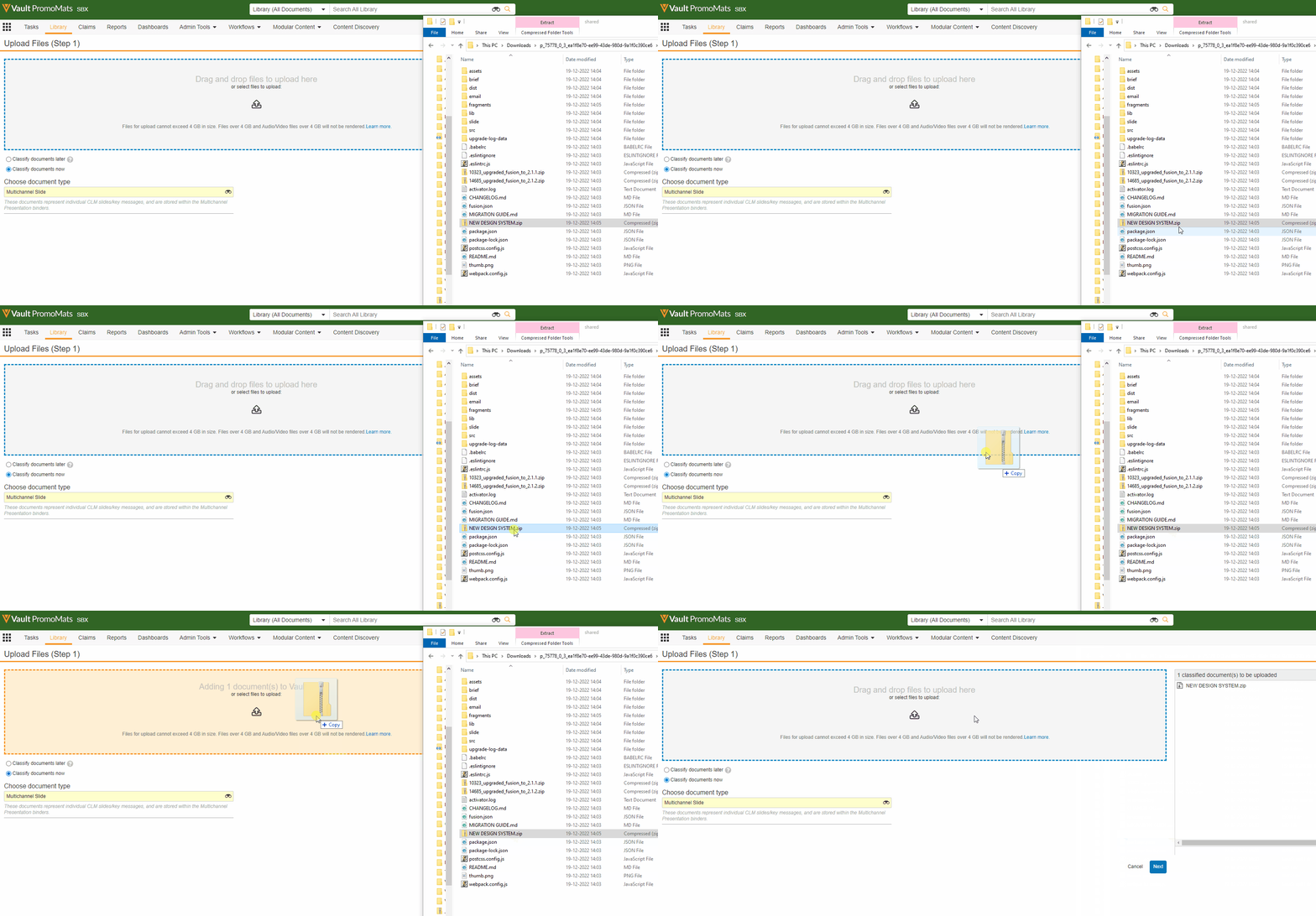
The Design System is then uploaded as a file from your local computer.
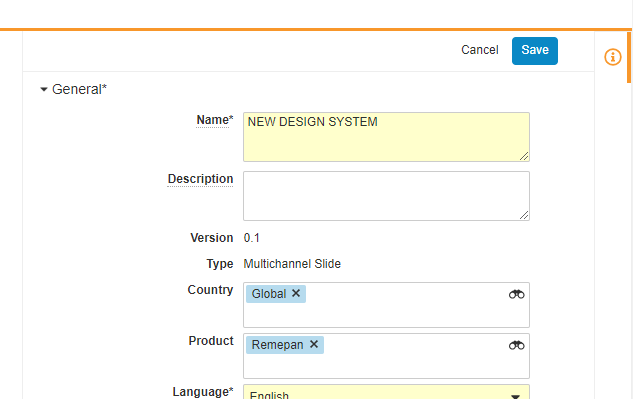
Set the meta data for the document and click “Save”
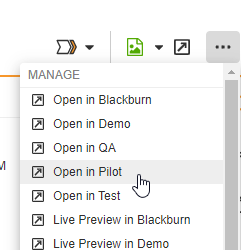
The Design System can be opened in Activator by going to the Action menu - your options may vary, but in the example, we open the Design System up in our Pilot environment: