
Adds a side navigation menu component with 3 default buttons on the side of the slide. Each button is an individual component.
Prerequisites:
-
An action will have to be programmed for each individual button order to trigger an event.
-
If the menu is intended to refer to specific global popups such as references, patient information (PI) and FAQ lists on all your slides, consider having the side menu appear in a Slide Fragment instead, as this makes managing the content easier. Read more about Slide Fragments here Slide Fragments
Example: Create a side menu and have one of the buttons trigger a pop-up
Step 1: Select the “Side Menu Button” from the components list and style it using the Style menu options.
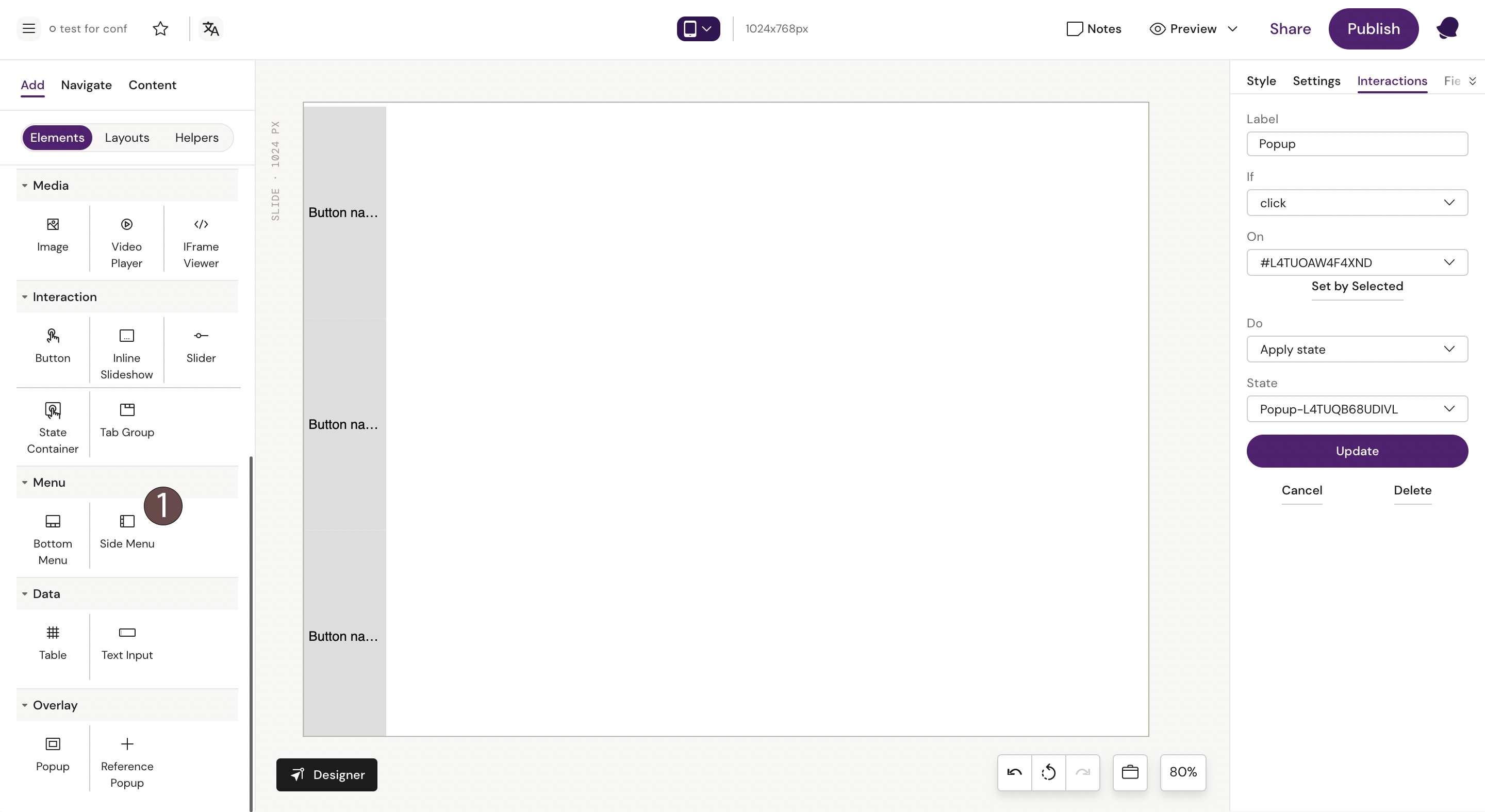
Step 2: Select the “Popup” component from the components list. Style it as desired.
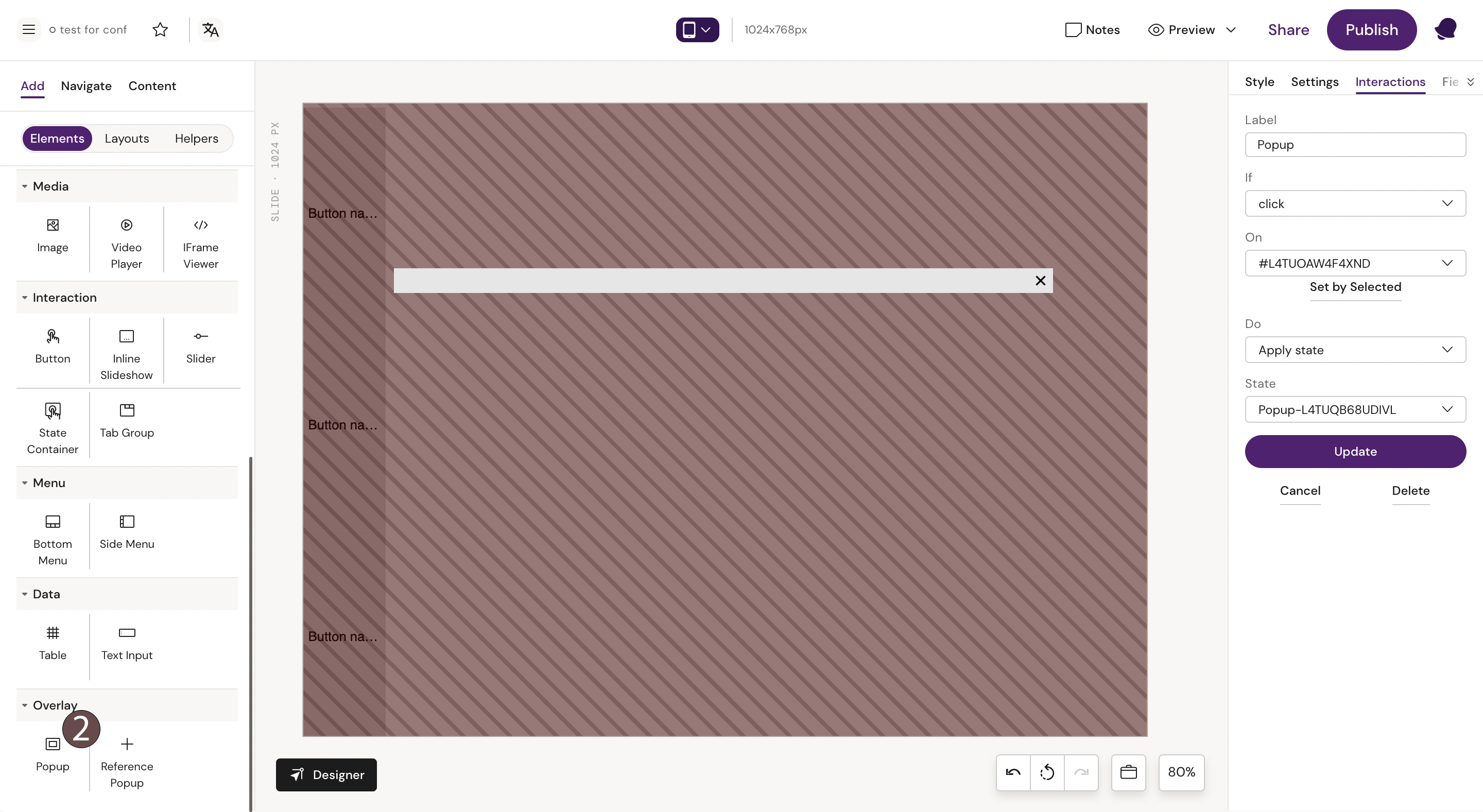
Step 3: Click on the active state to unselect it.
Step 4: Go back to the side menu and select a side menu button you want to use to activate the popup state
Step 5: With the button selected, click on “Add interaction” from the toolbox on the right-hand side and program the action.
Step 6: Input the commands to trigger the popup when the button is clicked:
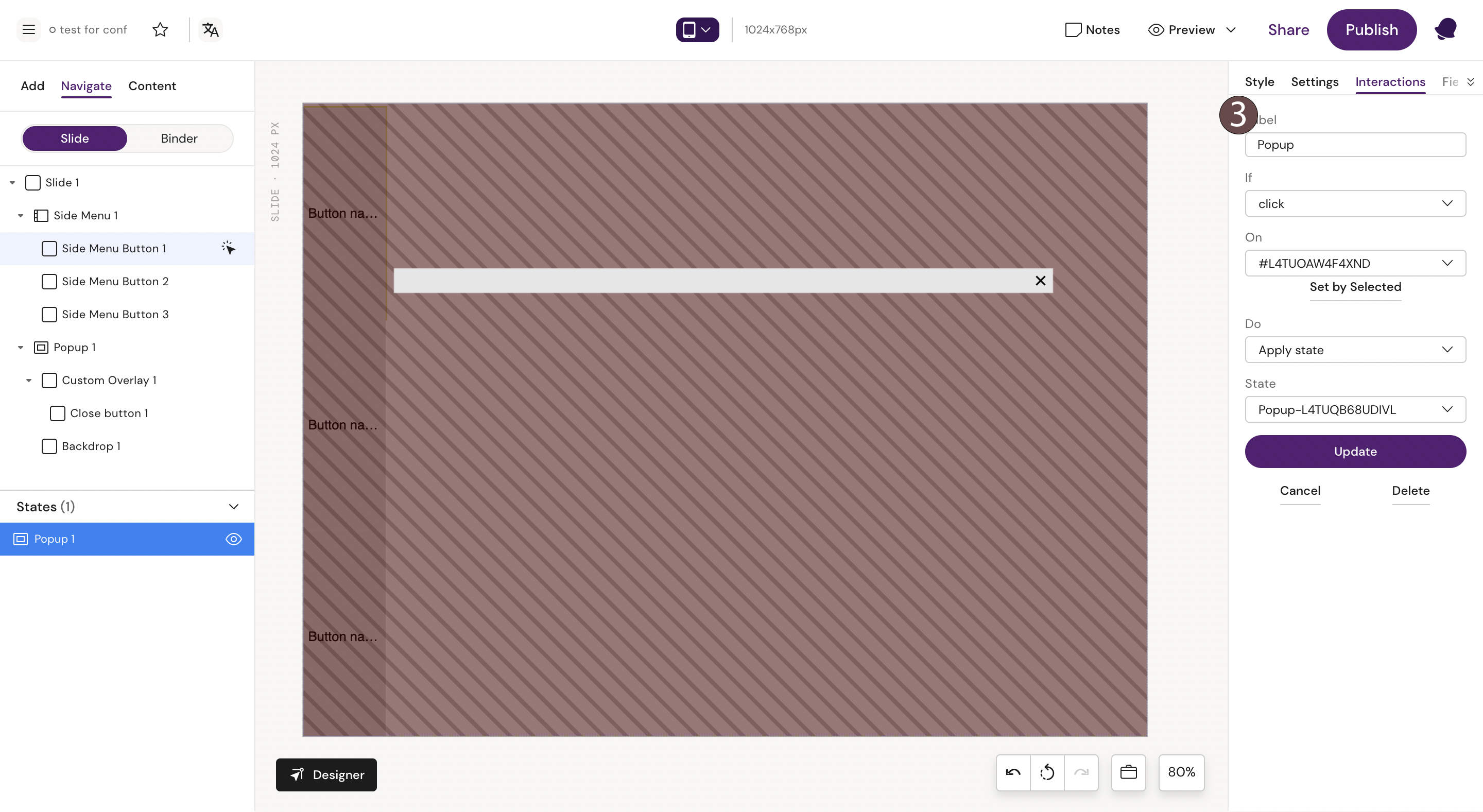
Continue by adding interactions for the rest of the buttons in the menu.