Creates a pop-up on the screen when an action is triggered.
Prerequisites:
-
This component is activated by programming an action by using the “Add interaction” function.
OBS: Naming convention of Popups :
-
The ID must start with a letter (a-z or A-Z).
-
All subsequent characters can be letters, numbers (0-9), hyphens (-), underscores (_), colons (:), and periods (.).
-
Each ID must be unique within the document.
-
Example: Creating a basic Popup
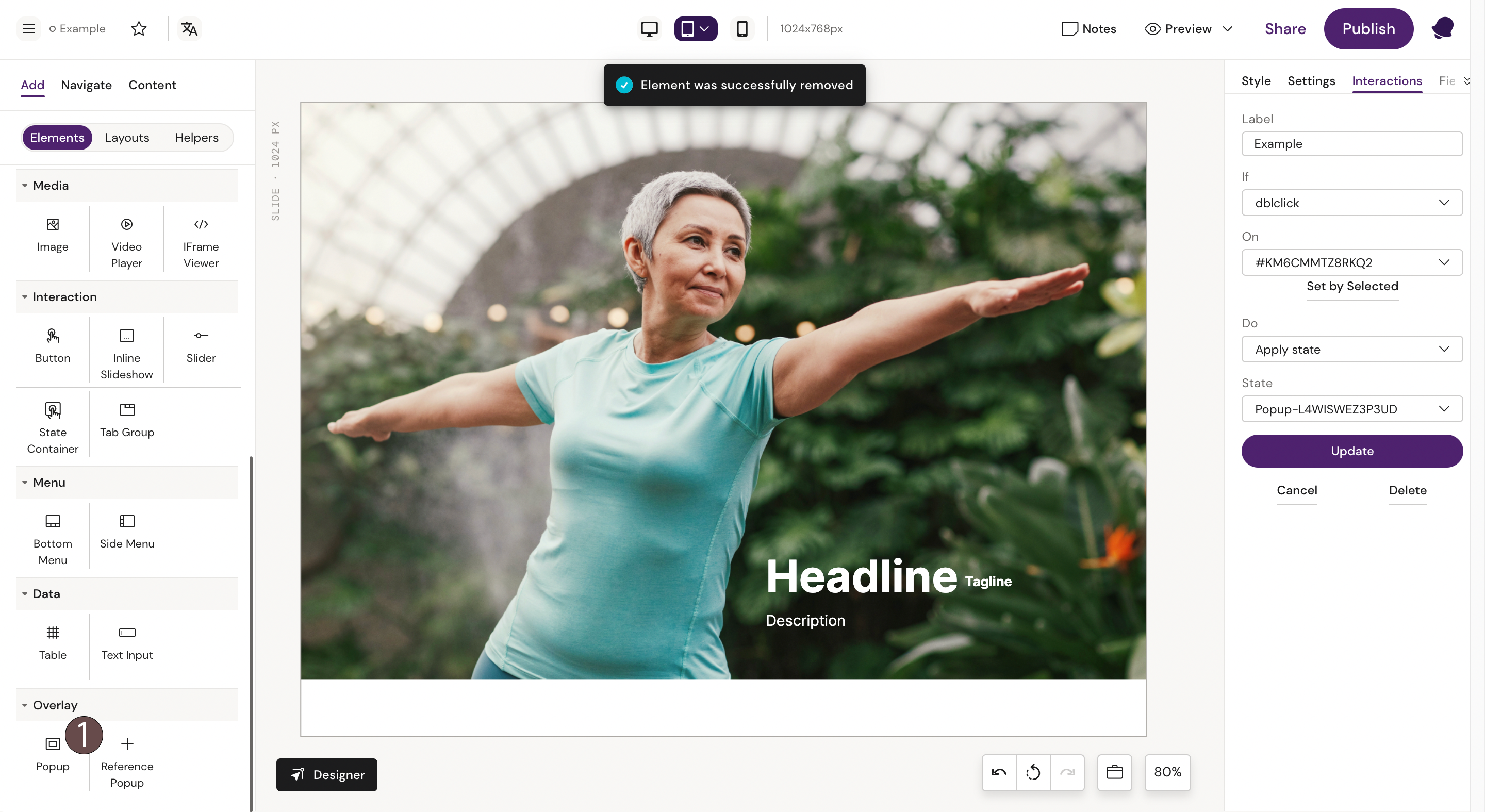
Step 1: Select the “Popup” component from the components list.
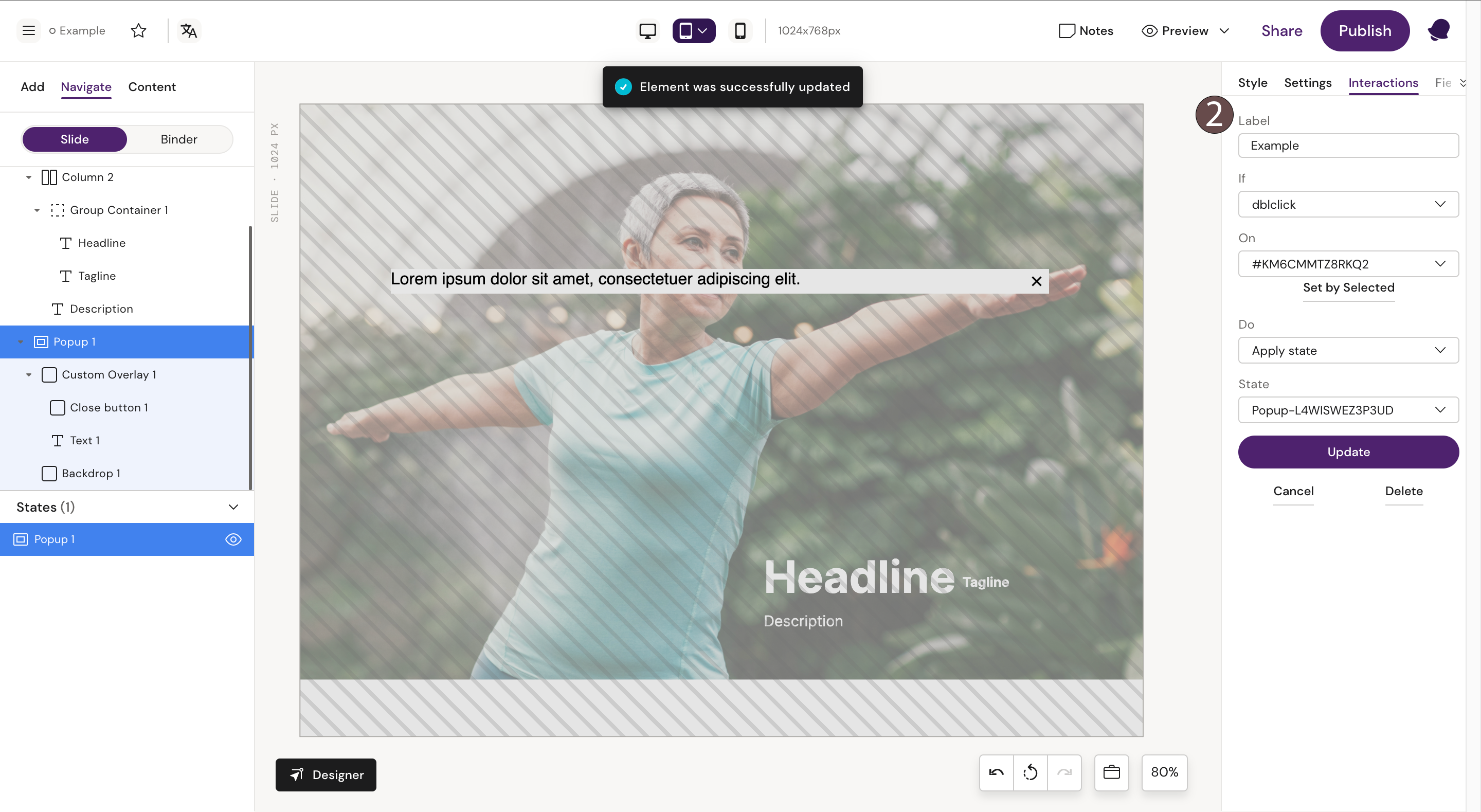
Step 2: Fill the Popup container with text or picture and add an interaction to it.