The State Container is a basic container for adding custom UI states (active/inactive) which can be used to trigger different events
Prerequisites:
-
An action will have to be programmed in order to trigger an event.
How to use the State Container
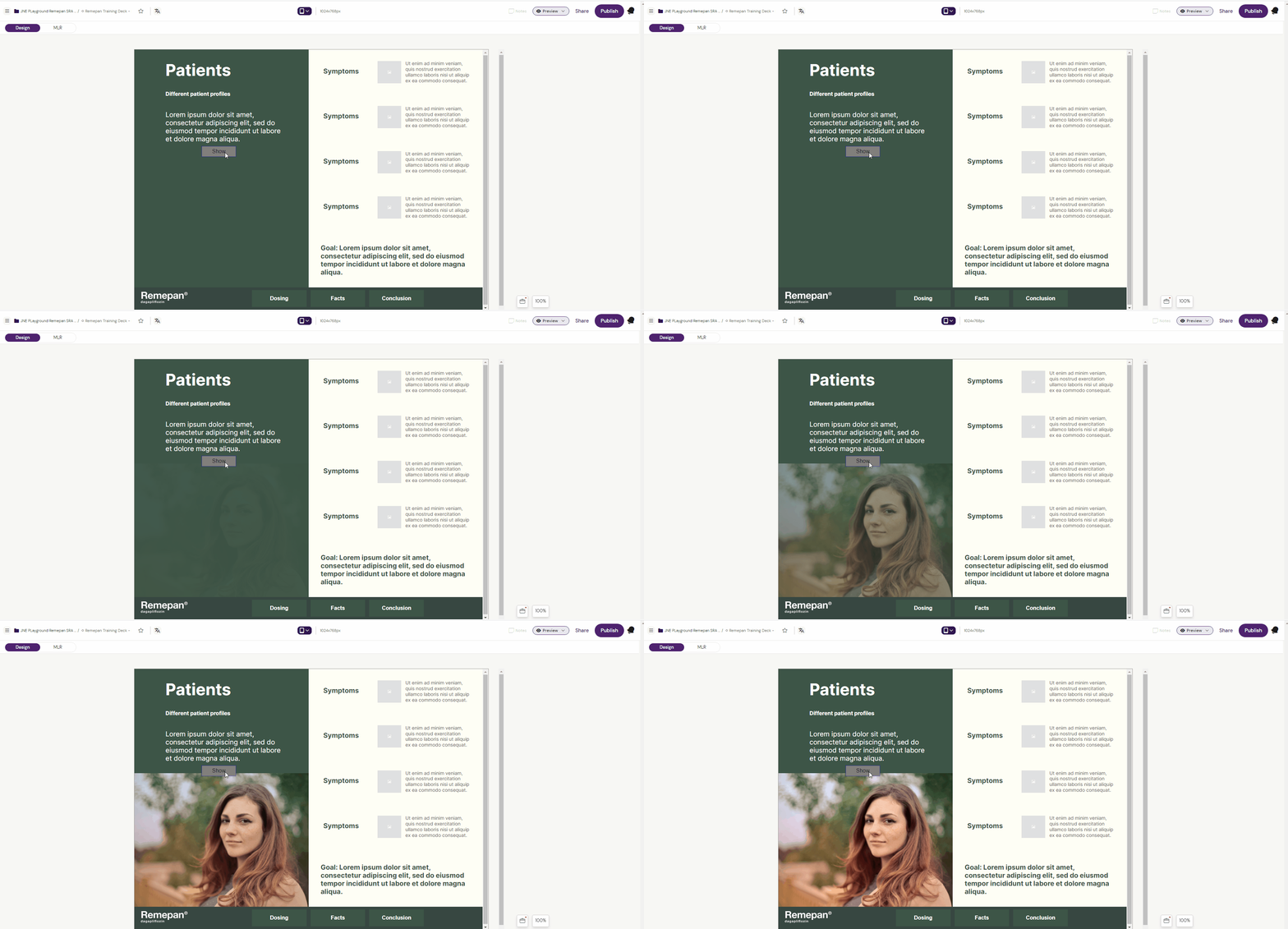
Example: How to display an image in a state container by clicking a button.
1. Select the “State Container” component from the components list.
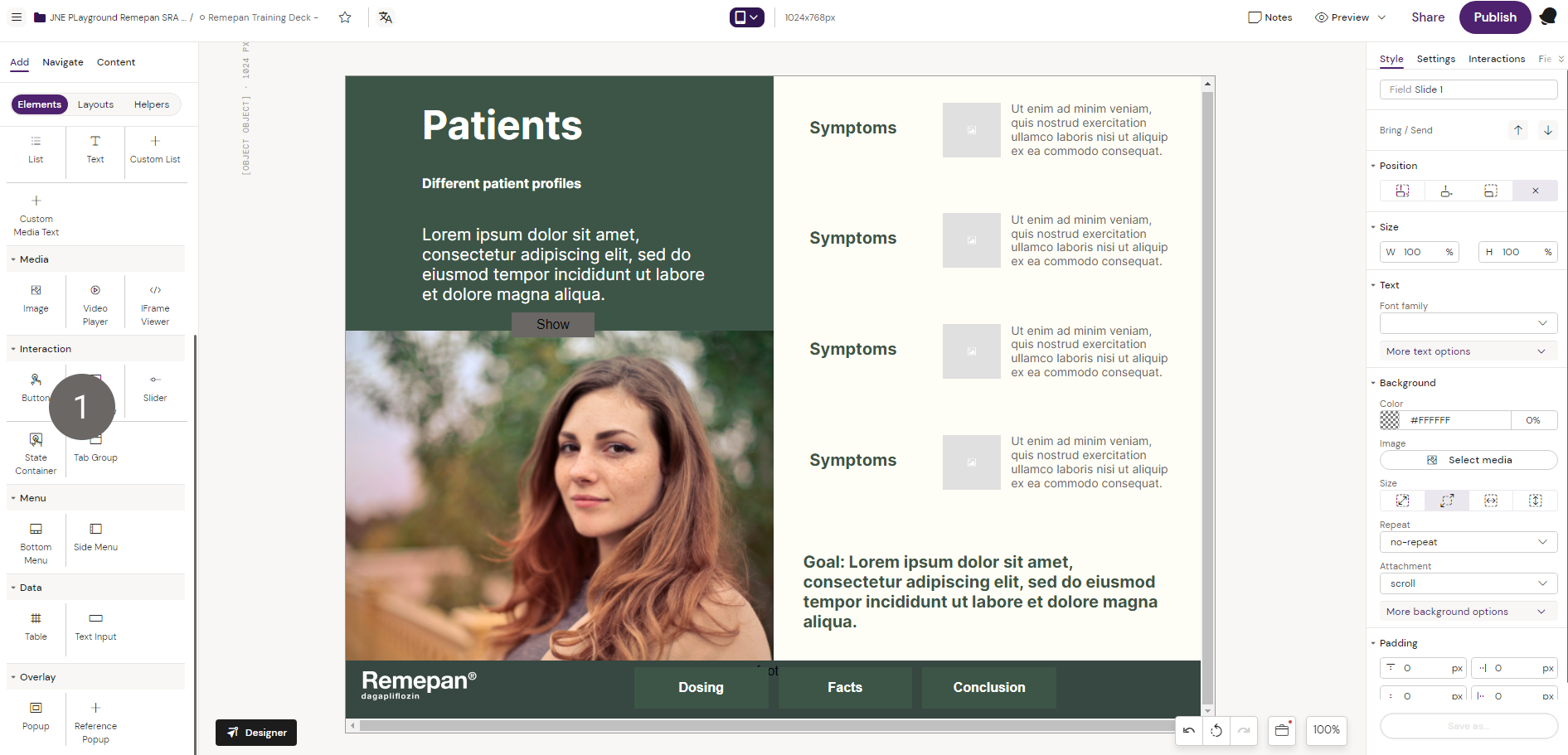
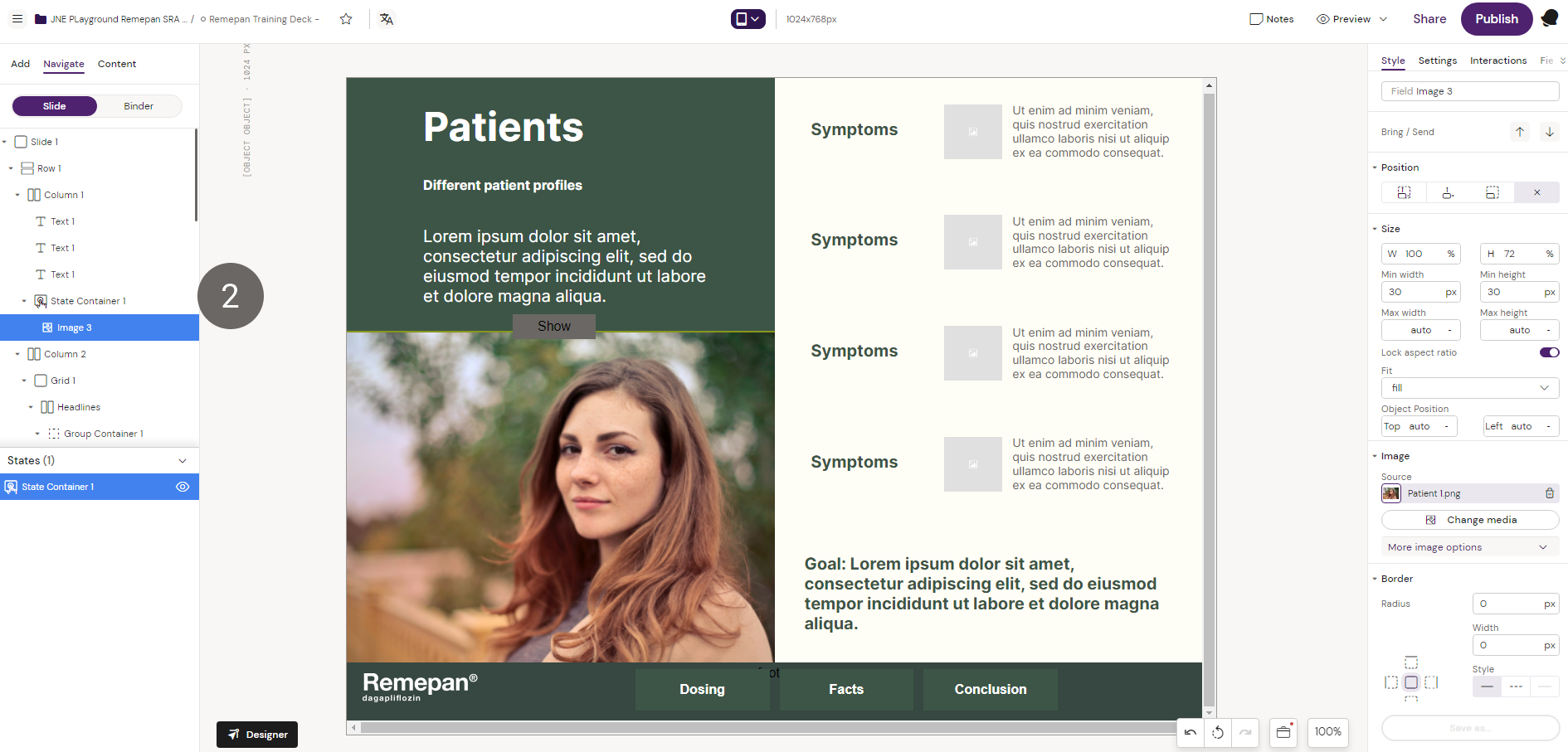
2. With the state container active, select the “Image” component from the components list to place an image inside the state container.
3. Unselect the state container and select the “Button” component from the components list to place a button outside the state container on the slide.
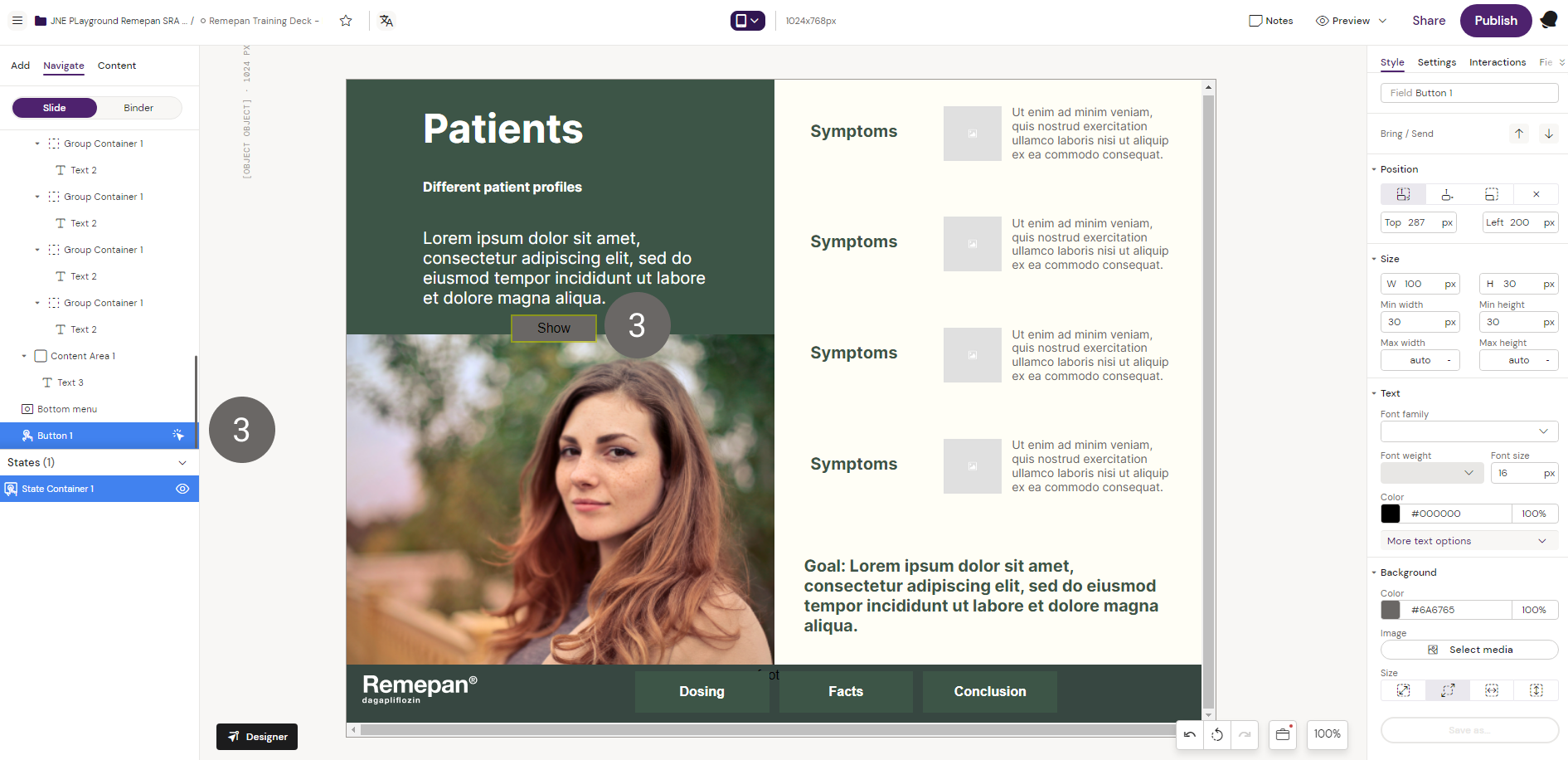
4. With the button selected, click on “Interaction” the right-hand side and program the action. Input the commands to trigger the state container when the button is clicked.
Read more about interactions here: Add Interactions
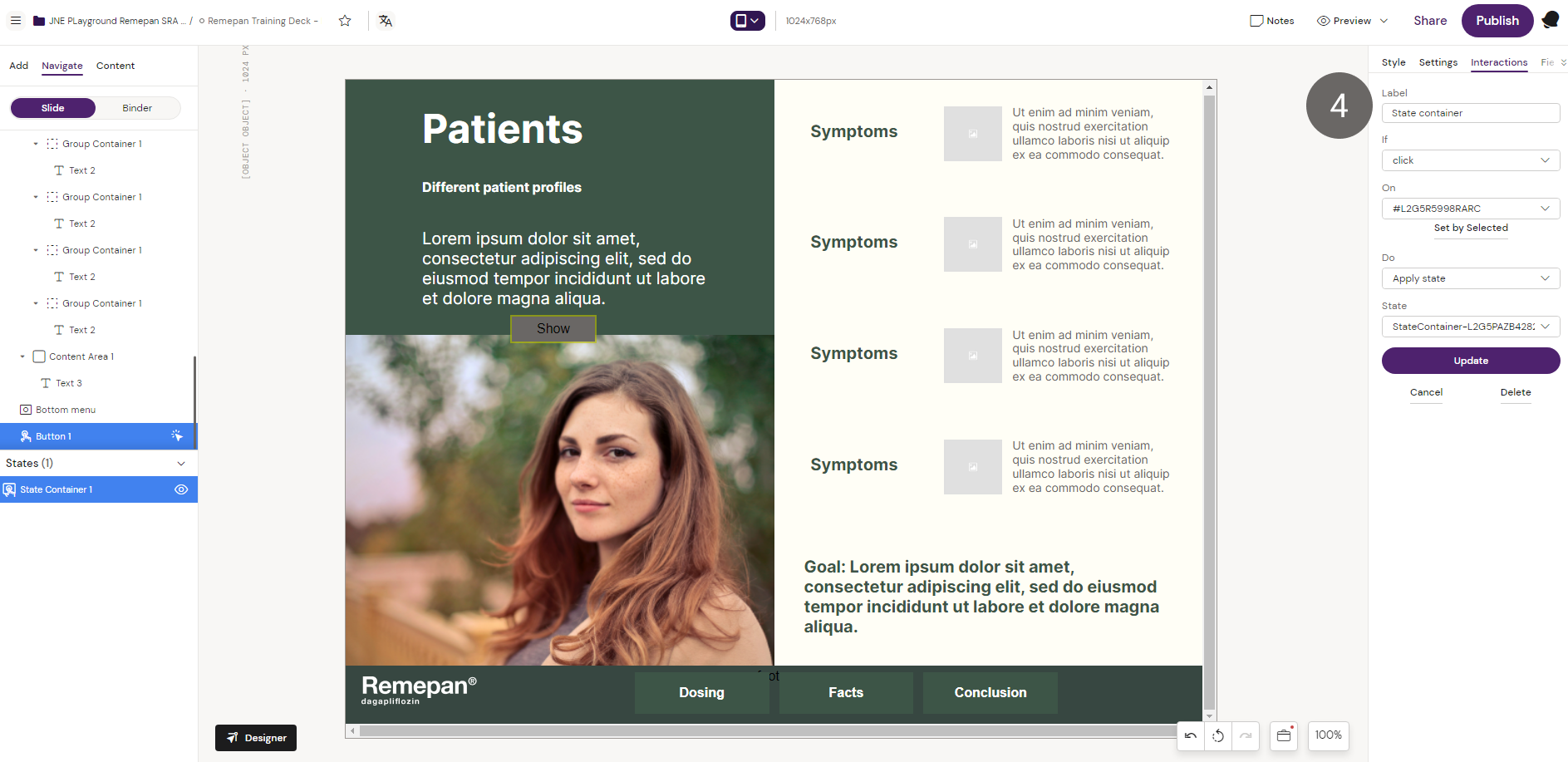
5. Go to “Preview” mode and press the button to show the image.