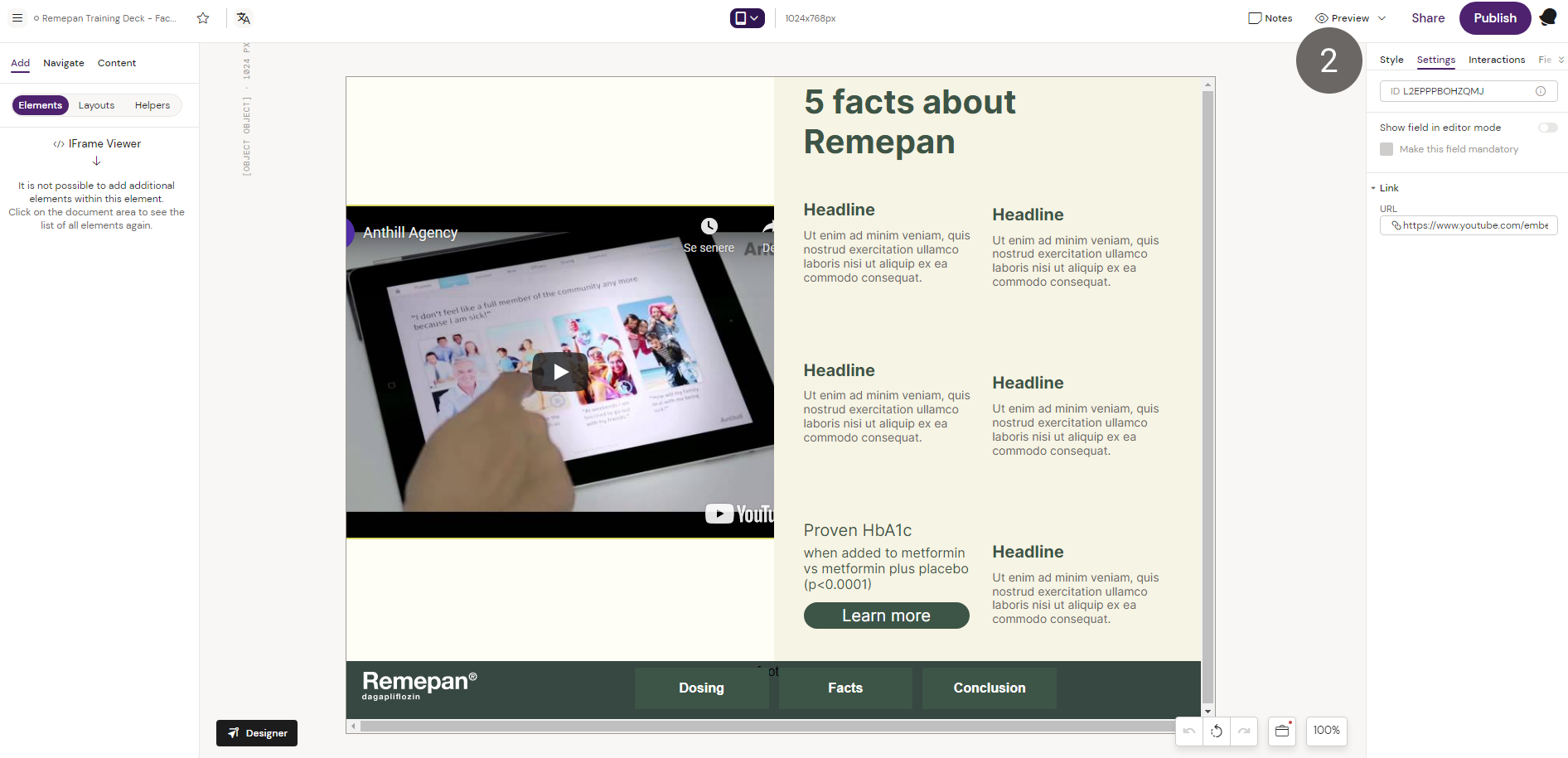
Inserts a dynamic iFrame component into the slide which enables the creator to show documents and external URL/webpages in the slide.
Prerequisites:
-
Note: Not all external websites allow this type of linking
-
The iRep end-user must be online on their device to view the external link
How to use the iFrame Viewer component
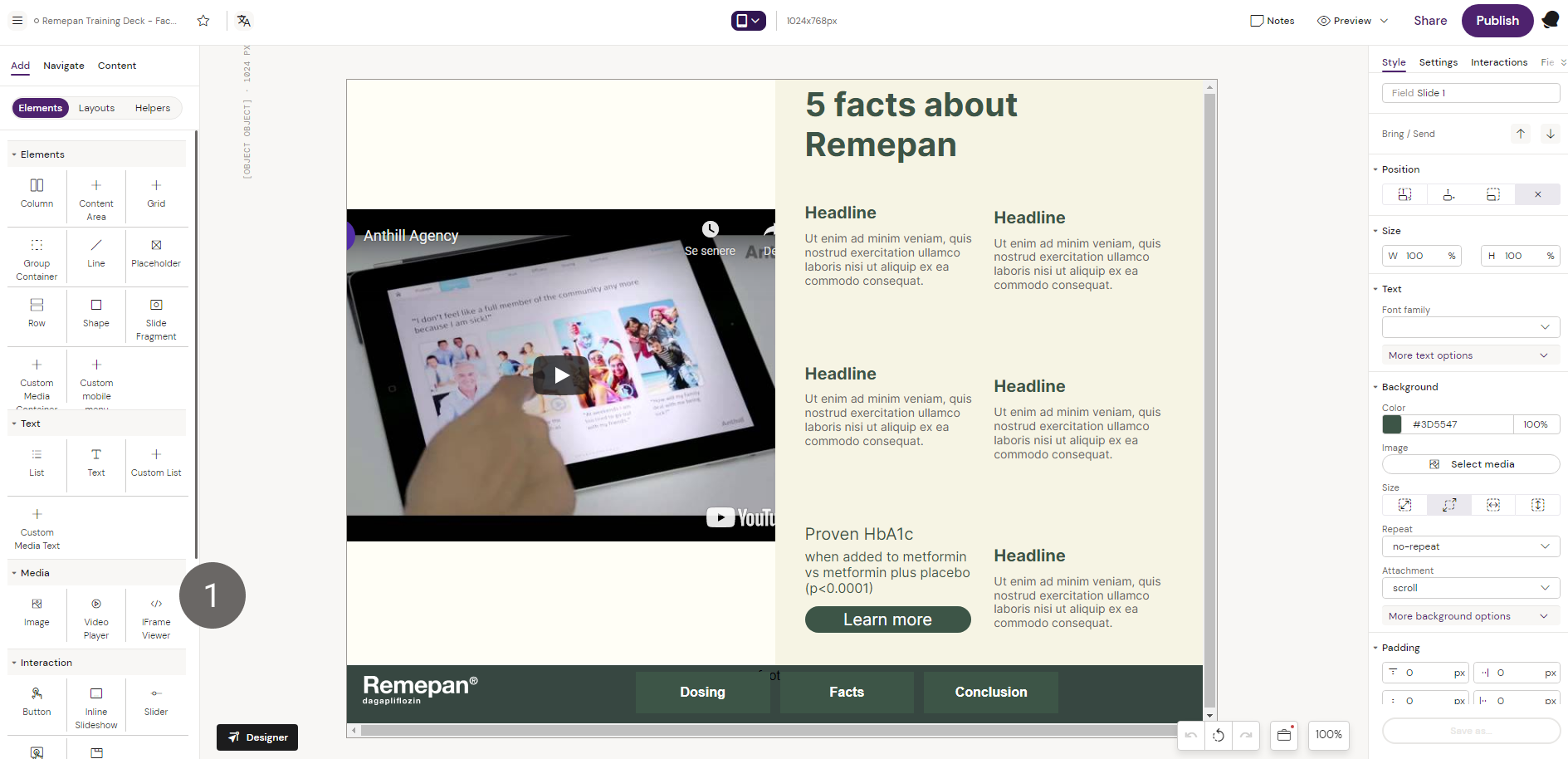
1. Add the iFrame Viewer component to the layout canvas.
2. Add the iFrame embed code to the component in the settings tab. In this example we are embedding a youtube video in the iFrame.