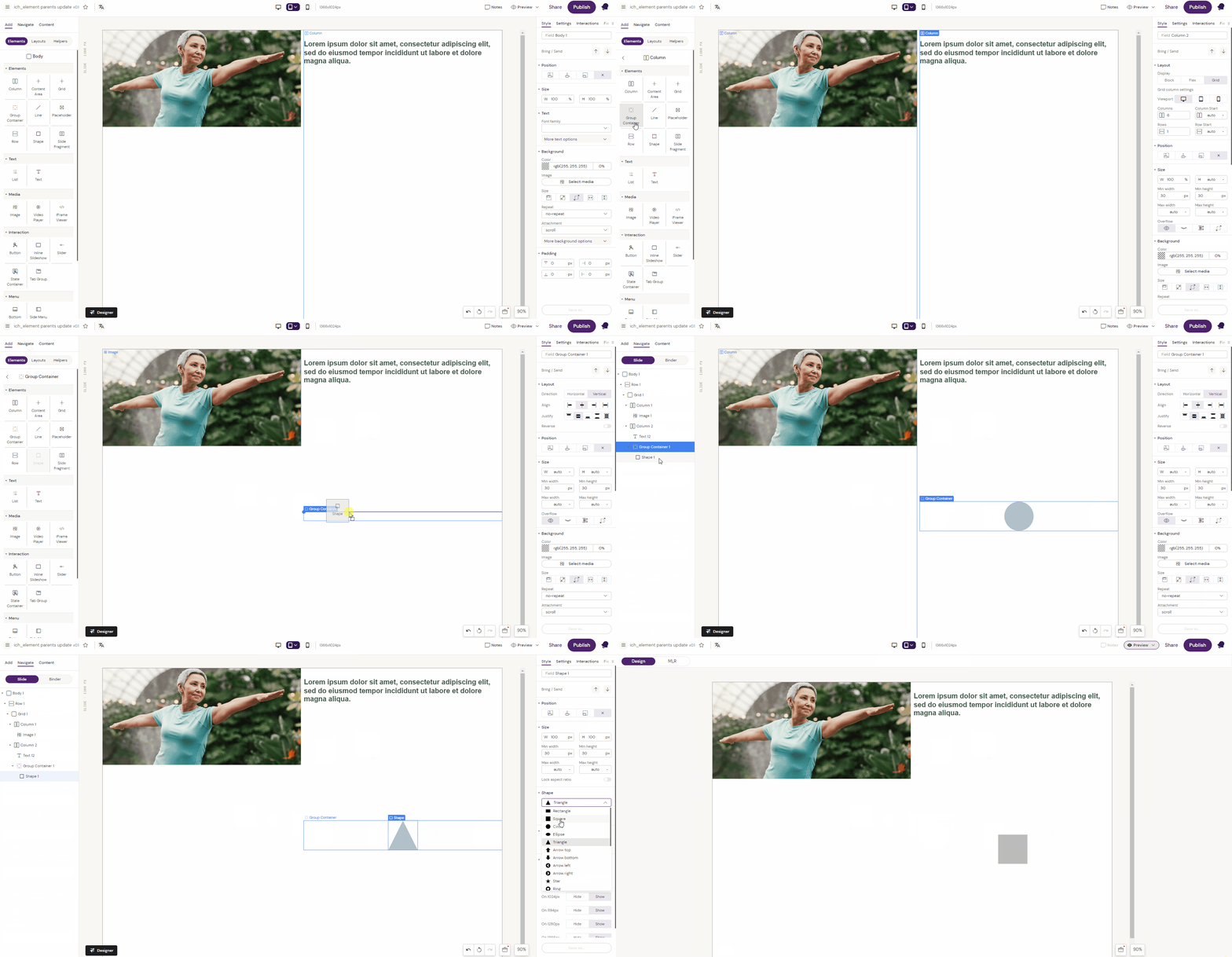
Inserts a component for showing shapes.
E.g. adding an arrow to navigate between slides.
How to use the Shape Component
In this example, we are adding a dialog shape to a picture on a Slide
-
Make sure to navigate to the Slide in the Navigate tab
-
Add a Group Container to the parent element
-
Add the Shape component to the column
-
Chose the dialog shape in the component settings
-
Position and size the dialog shape by changing the component Style and Settings.