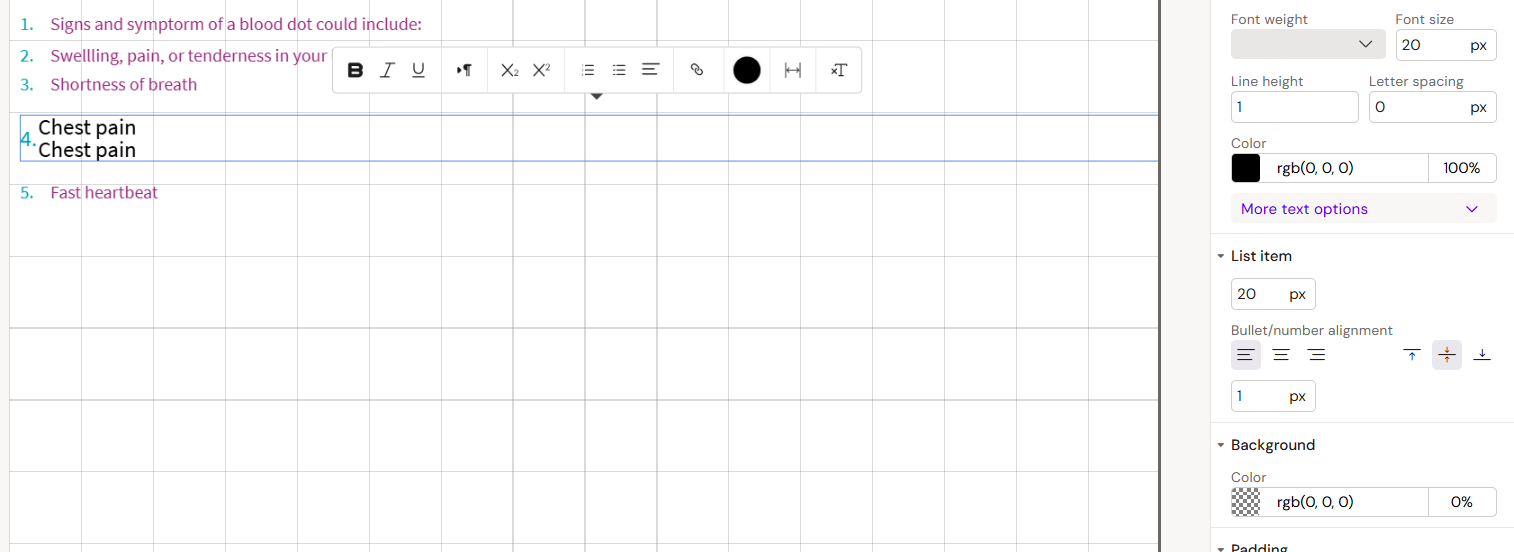
Add List
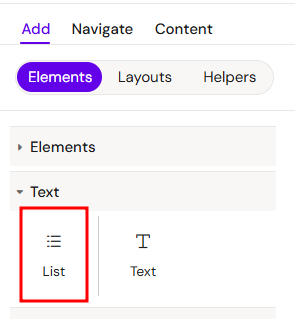
You can add a List element from the Left panel. By default, the List element contains a List Item element.
How to style lists and list items
The right panel for the List element contains general properties:
(some of them also affect the child list items)
There is also Content section (affect the child list items):
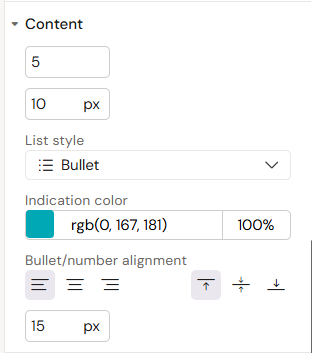
-
First field - amount of list items
-
Second field - top/bottom indentation of list items
-
List style:
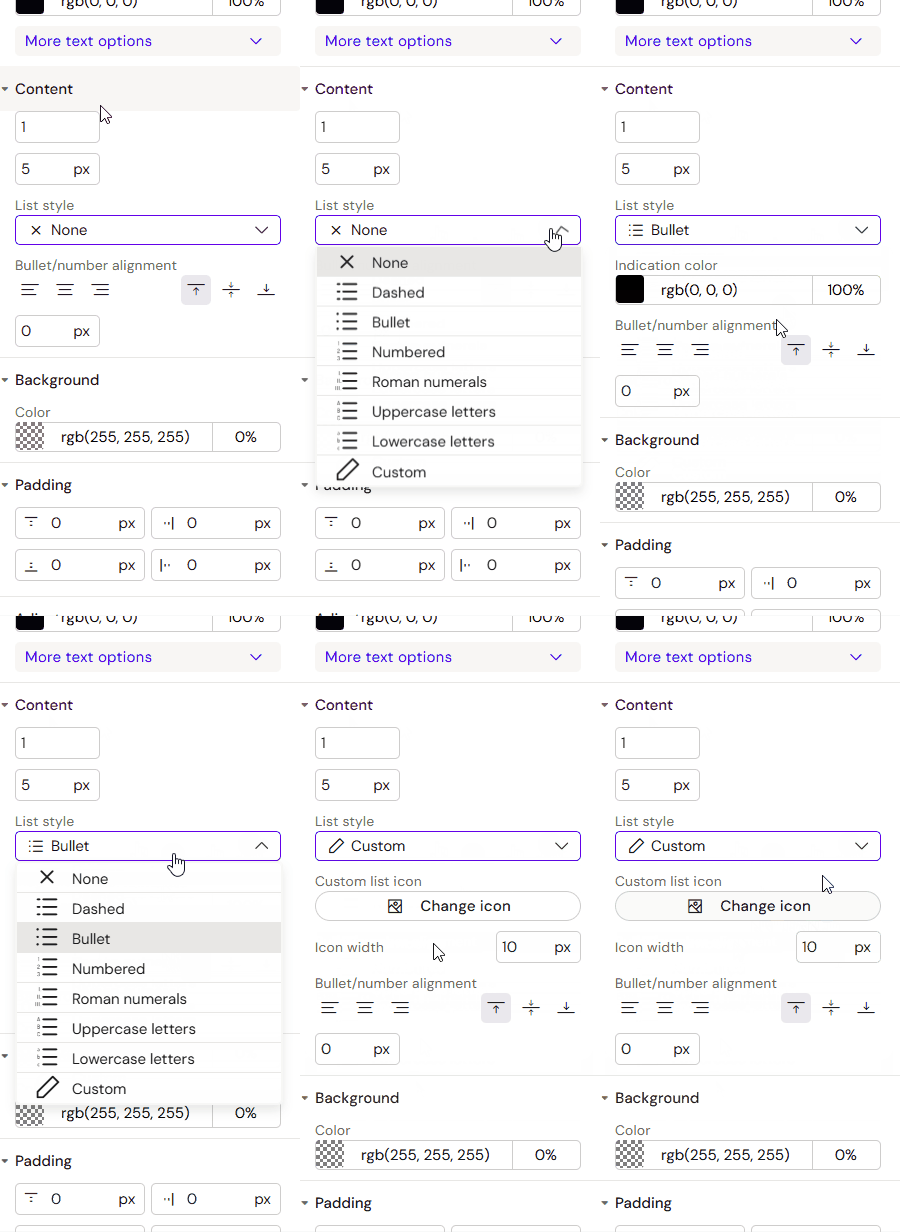
-
Custom allows you to add an icon and set its width.
-
-
Indication color
-
Bullet/number alignment - set vertical/horizontal alignment
-
Last field - space between indicator and text
Add list items to the list element
List items can't be added outside the list element.
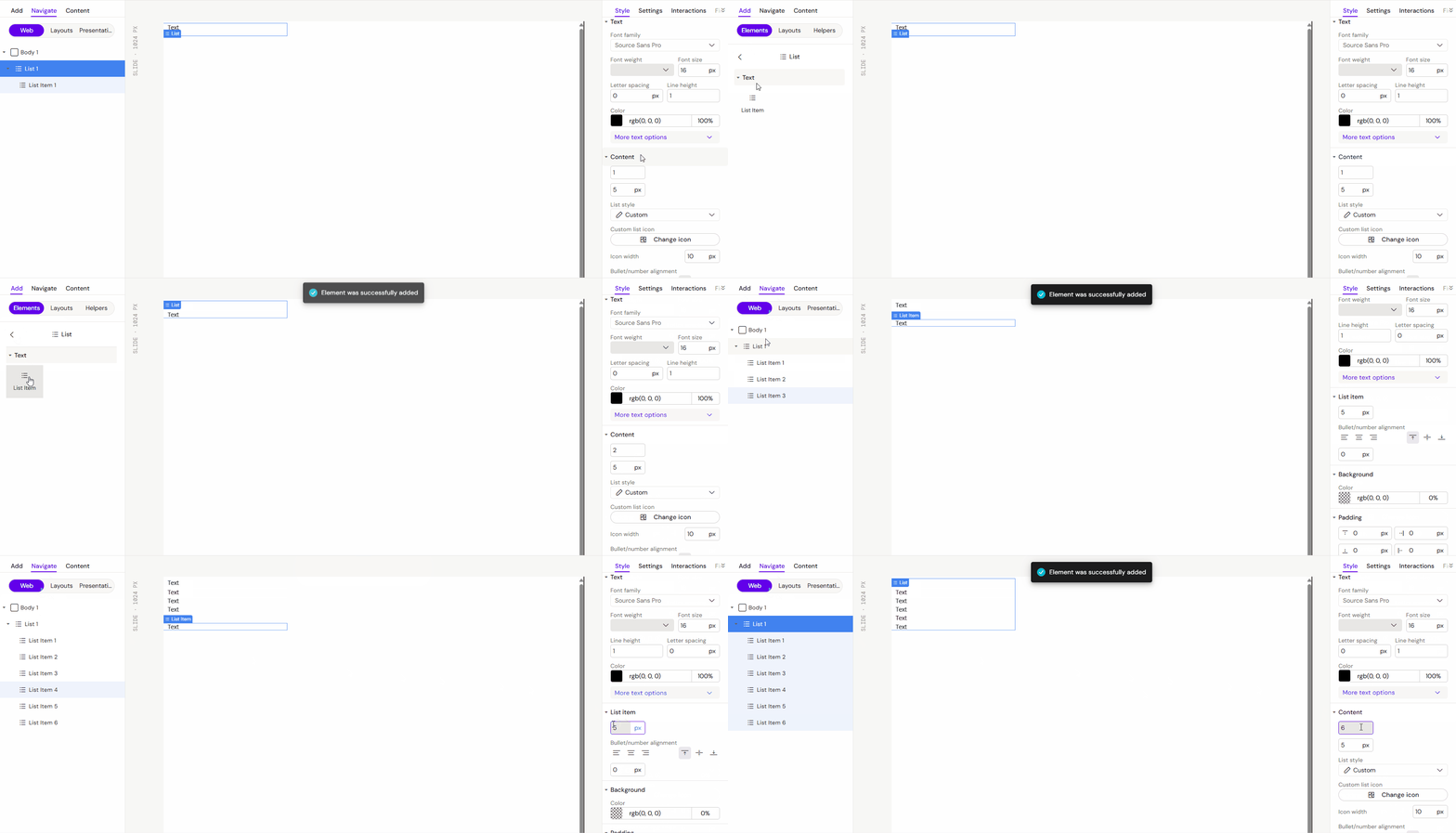
You can add List items from the left panel.
Or via the List element in the Content section of the right panel.
List item properties
The list item contains general properties:
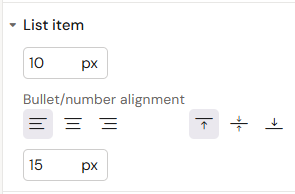
and List item:
-
First field - top/bottom indentation
-
Bullet/number alignment - set vertical/horizontal alignment
-
Last field - space between indicator and text