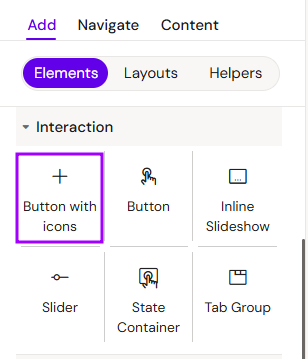
The Button with Icons component functions identically to the standard Button, but includes two additional slots with icons (Left and Right).
-
Functionality: It shares the same interaction and logic settings as the Button Component.
-
Media Management: Adding and styling the icons follows the same principles as the Image Component.
Add Button with Icons
You can add a Button with Icons from the Left panel.
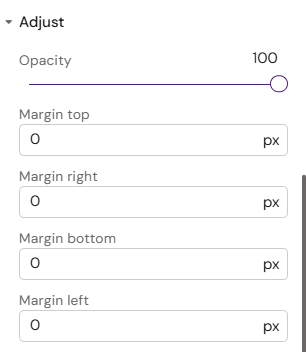
For icons, only Margin fields have been added in the "Adjust" section