
The MLR Report is a review-friendly document generated when a content module is published, giving MLR reviewers a single view of the module's contents, metadata, and referenced source materials.
The MLR Report is Aprimo-specific. Aprimo stores content modules as documents and documents need a source file for MLR routing. Veeva Vault stores modules as objects rather than documents, so no source-file report is generated for Vault publishing.
When it's generated
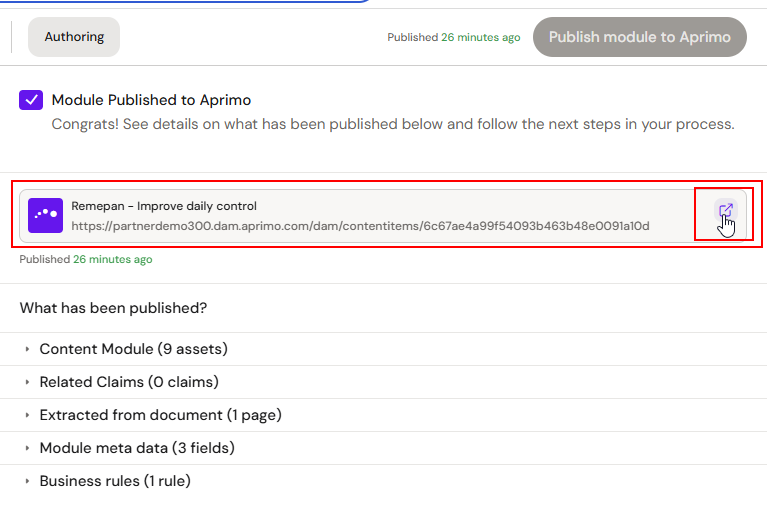
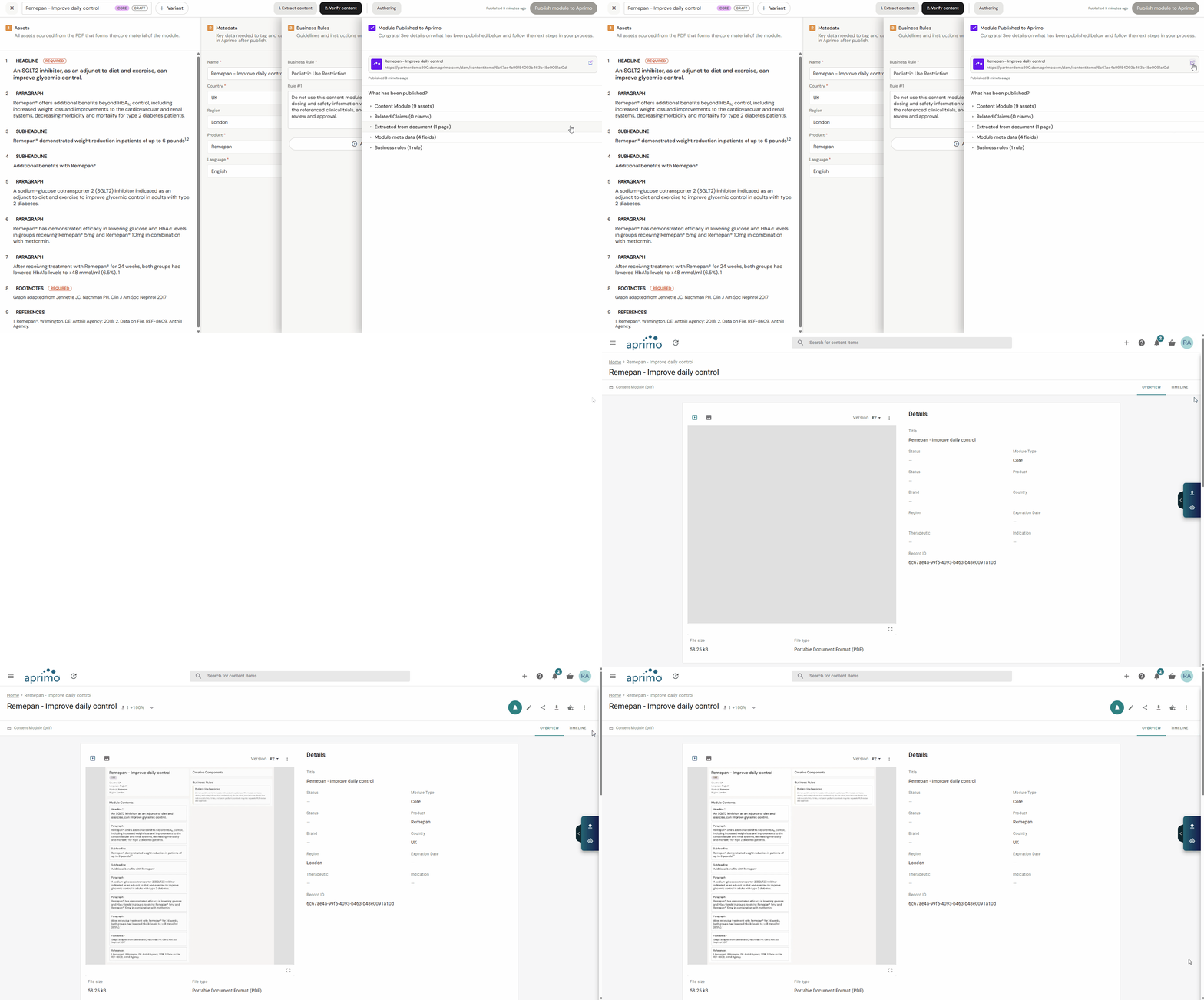
Automatically, as part of the publish flow. Every time a content module is published to Aprimo, Activator's native compile produces the MLR Report and attaches it to the module document. No manual trigger, no separate action.
Where to find it
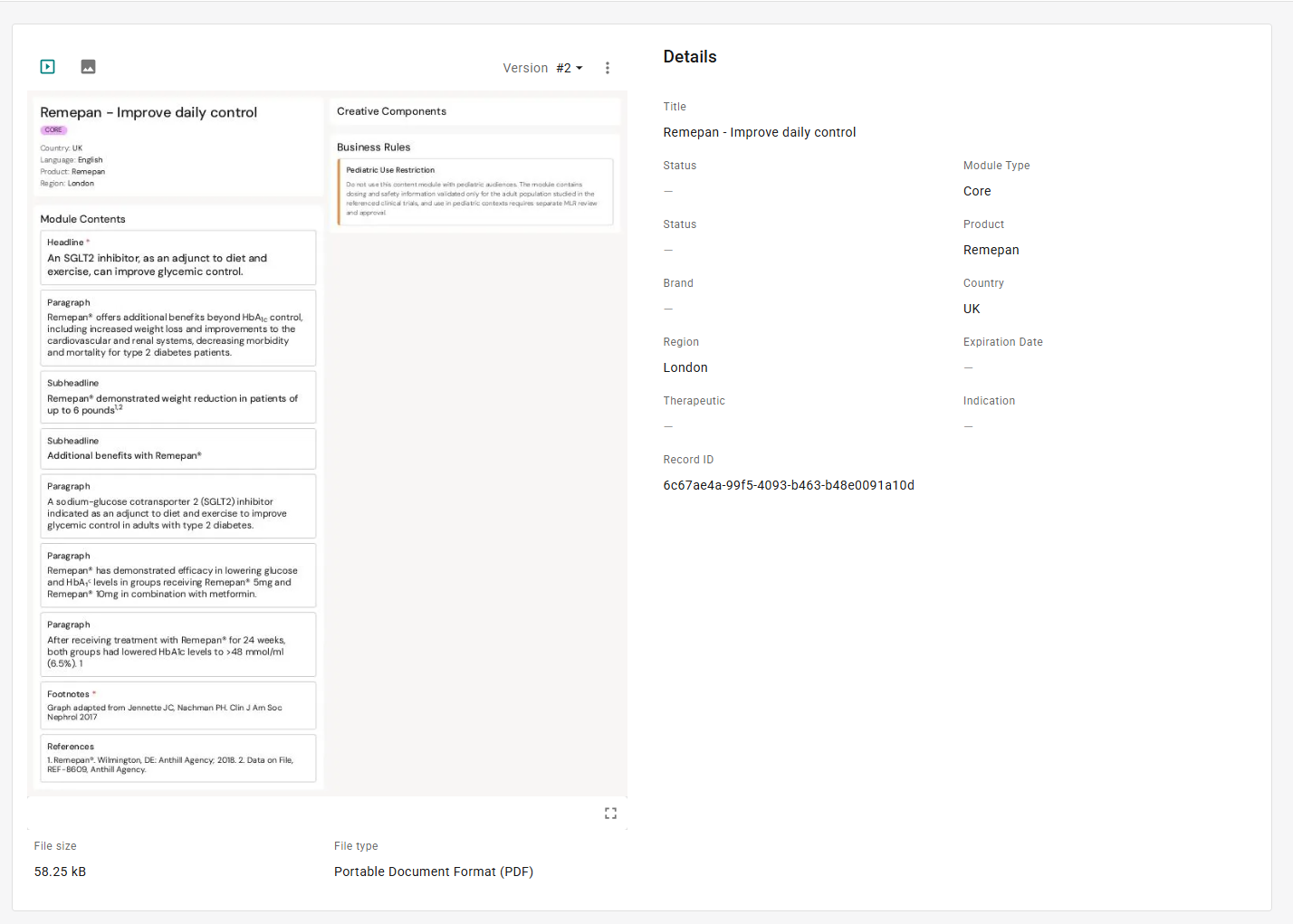
Inside Aprimo. The MLR Report is not visible from Activator. To review a module's report, open the module document in Aprimo and view the source file. The report opens as a PDF.
What the report contains
Header
-
Module name (e.g. MCO 12092026)
-
CORE or VARIANT badge
Classification metadata
Every custom field configured on the module in Aprimo. Fields common across tenants include:
-
Audience (e.g. Patient, HCP)
-
Brand Name || INN || Dev Code (e.g. Remepan || ribociclib || LEE011)
-
Content Intent, Content Subtheme, Content Theme
-
Country For Use
-
Franchise, Indication
-
Information Source
-
Key Message Master Story, Supporting Message Master Story
-
Language
-
Motivational Segment, Patient Profile, Region Archetype
Tenant taxonomies vary — some tenants add or omit fields based on their Aprimo configuration.
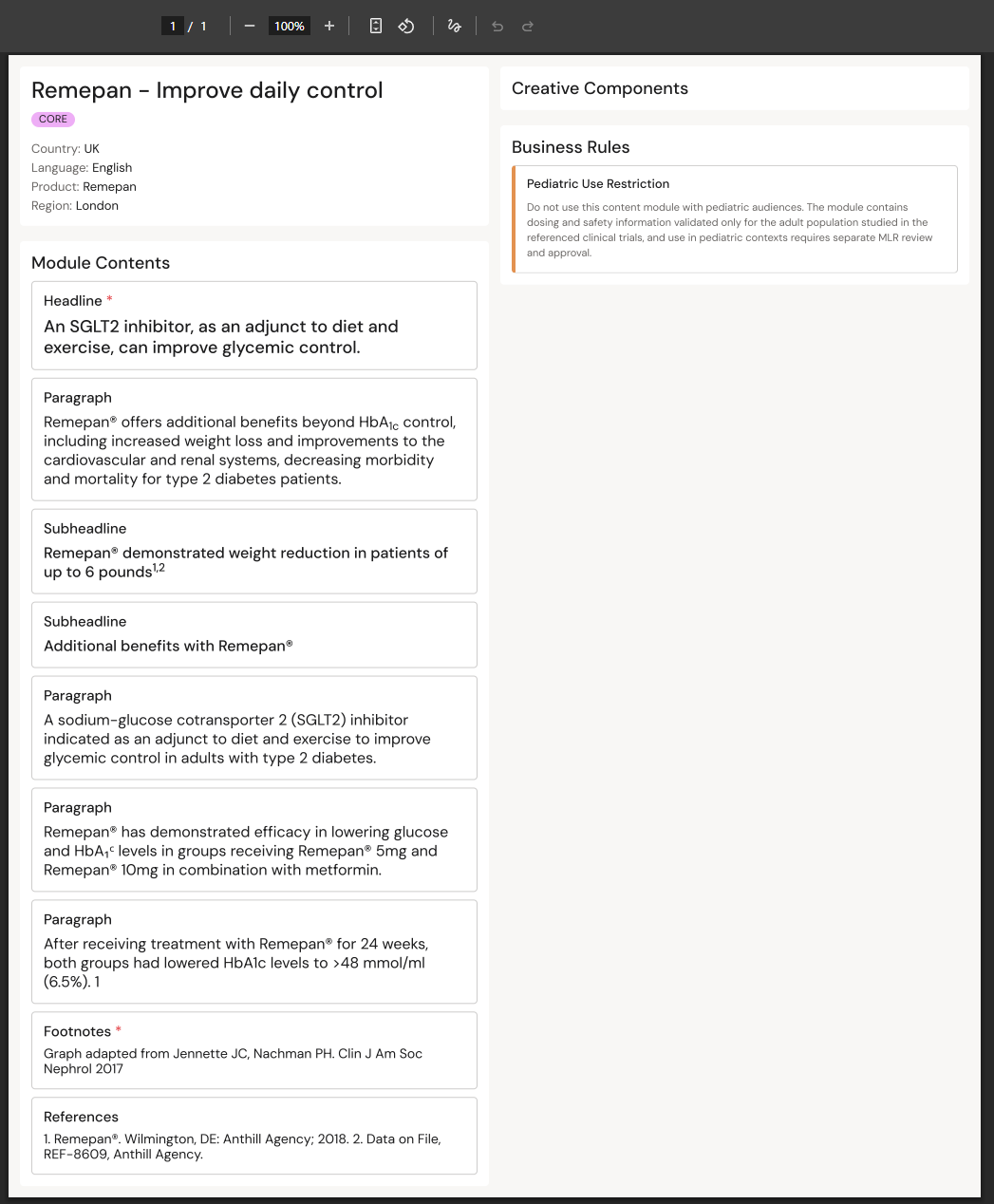
Module Contents
Every field on the module, in the order it appears on the authoring canvas. Text fields render as their entered text. Fields with linked Claims list the Claim ID and status underneath (e.g. CLA-10334715 Approved). Required fields carry an asterisk.
Creative Components
A separate section for image and other creative assets. Assets referenced from Aprimo show their Creative Component ID and status (e.g. CE-10336705 Draft); autoscanned images show inline.
Business Rules
Every business rule attached to the module, each with its name and description text.
Why MLR reviewers work from the report rather than the module
Modular content is a new construct for many MLR reviewers. The report packages everything a reviewer needs in a familiar single-document format: content in one place in the order authors intended, all source references explicit, metadata visible for scope check, business rules visible for usage guidance.
This lets reviewers approve or reject the module using their existing MLR workflow without needing to learn the Activator authoring UI.
Related
-
Publishing a Content Module — the flow that generates the report.
-
Module Authoring Canvas — the source of the module's contents.