This article can be used in connection with the page Text.
Using custom classes to set the font size on text:
The font size is controlled from the Style menu for each text element placed on the canvas. This means that all text inside a text element will have the set size.
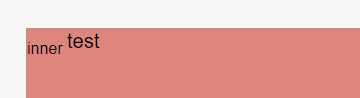
However, if there is a need to give a different font size to a word in a sentence, you can get around it by using custom classes for the text component.

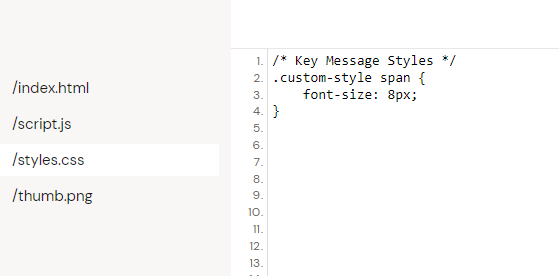
Add your own style with custom font size in the document style file:
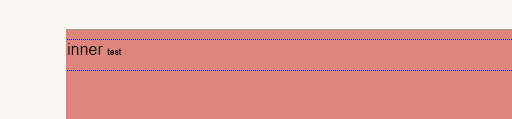
The result is the following:
Using custom classes to set the font size on superscript:
Mark the text you want superscripted with the floating text menu:

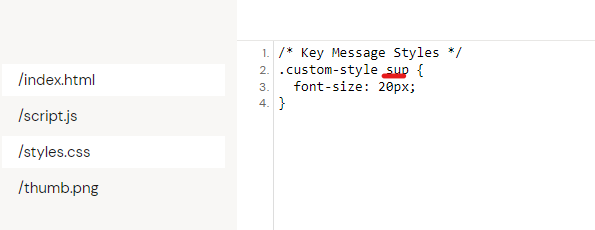
Go to the documents style file and add your own:
The result: