
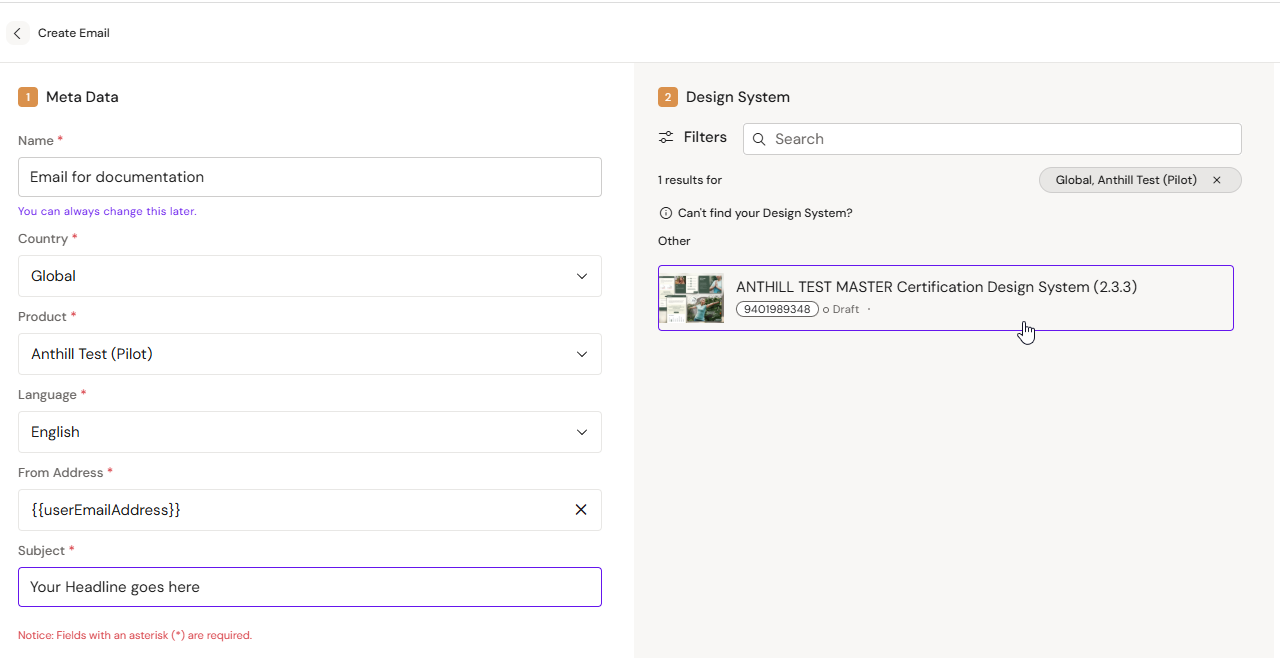
Email documents typically require metadata beyond the email body, such as subject line (and sometimes preheader or other fields depending on your DAM template).
Varies by tenant (Anthill-managed)
Which fields are required depends on your tenant configuration and DAM mapping. Learn more.
Set the email subject (and other fields)
-
Open the Email document
-
Open the document metadata area (where your environment exposes it)
-
Enter the subject text (and other required fields)
-
Save
Best practices
-
Keep subject lines short and test on mobile clients
-
Avoid special characters that your downstream systems may sanitize
-
If you localize, duplicate first, then translate the localized copy