
Previewing inside Activator is necessary but not sufficient. Email clients render differently, so always test in real clients or a pre-deployment testing platform.
Recommended testing approach
-
Preview in Activator (desktop + mobile)
-
Send a test email (if available)
-
Validate in multiple clients (or Email on Acid / equivalent)
-
Validate links and tracking requirements (your org’s rules)
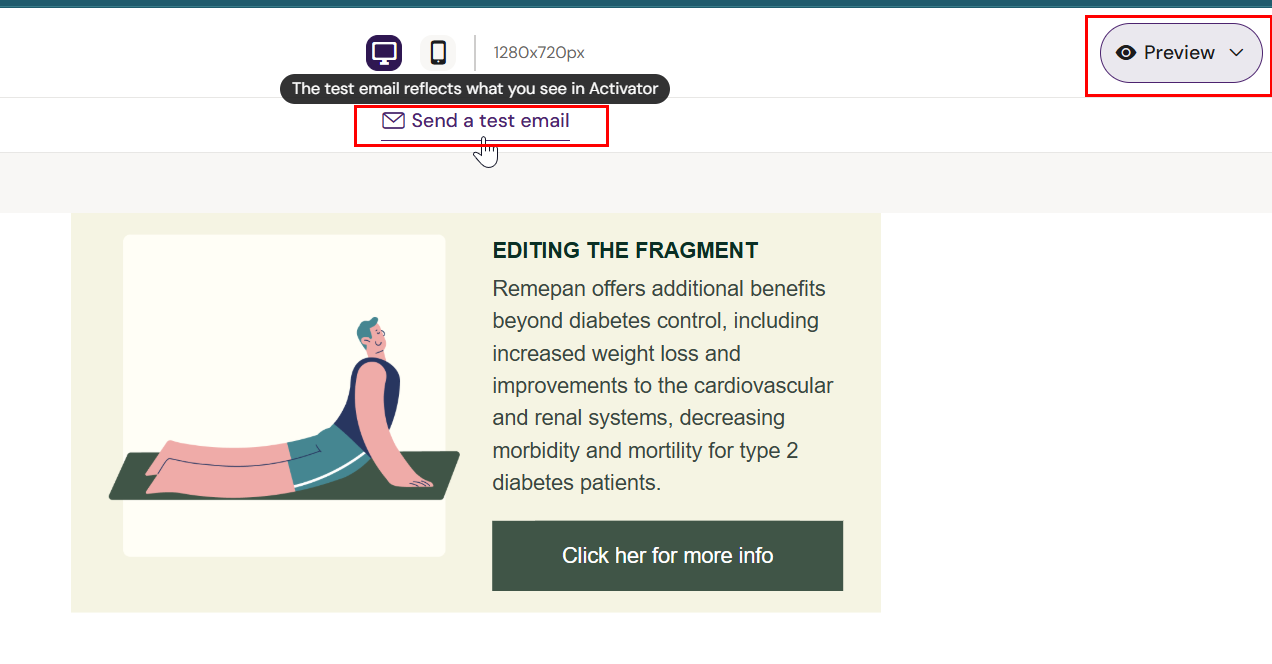
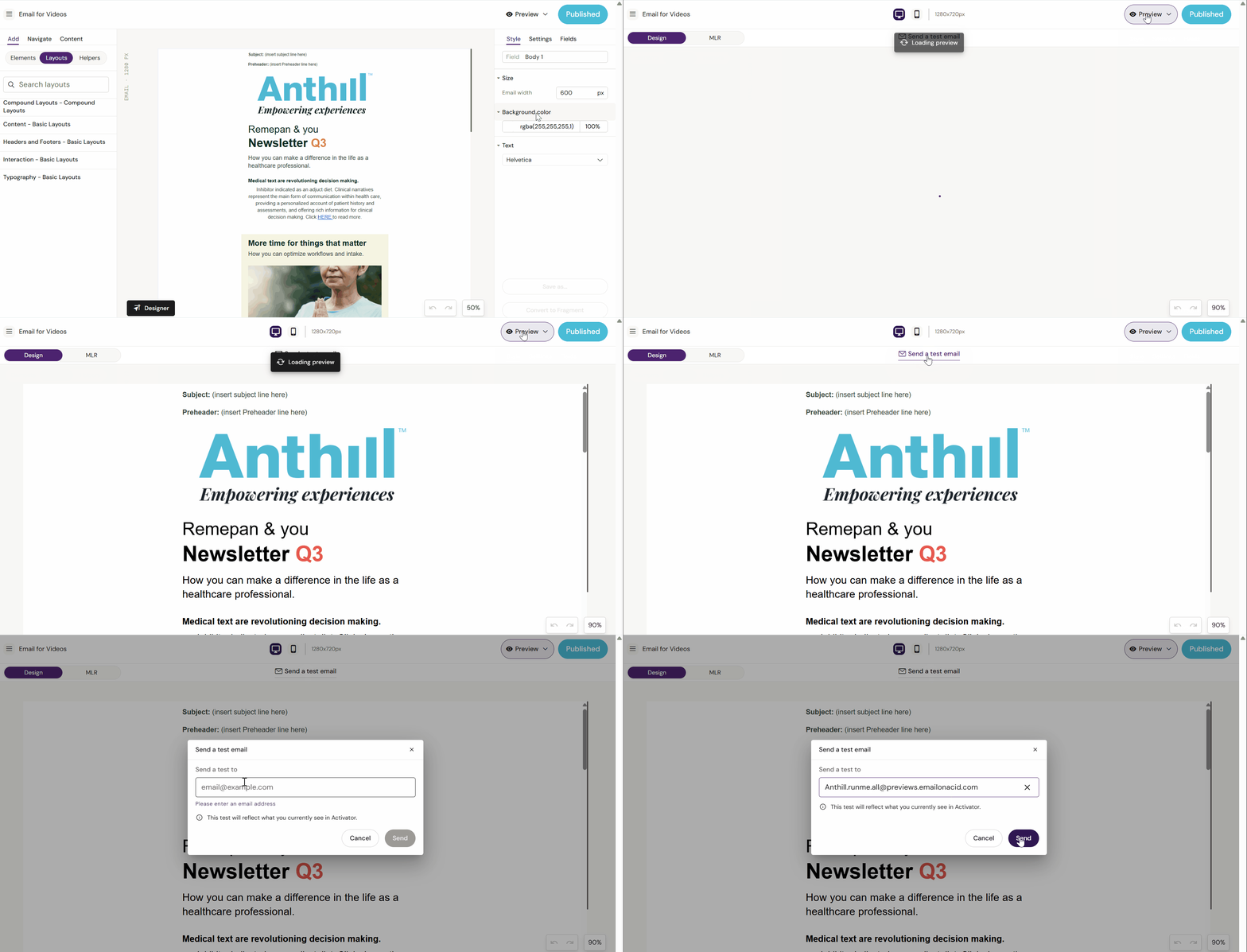
Send a test email from Activator (if enabled)
-
Open the Email
-
Click Preview
-
Click Send a test email
-
Enter recipient address and send
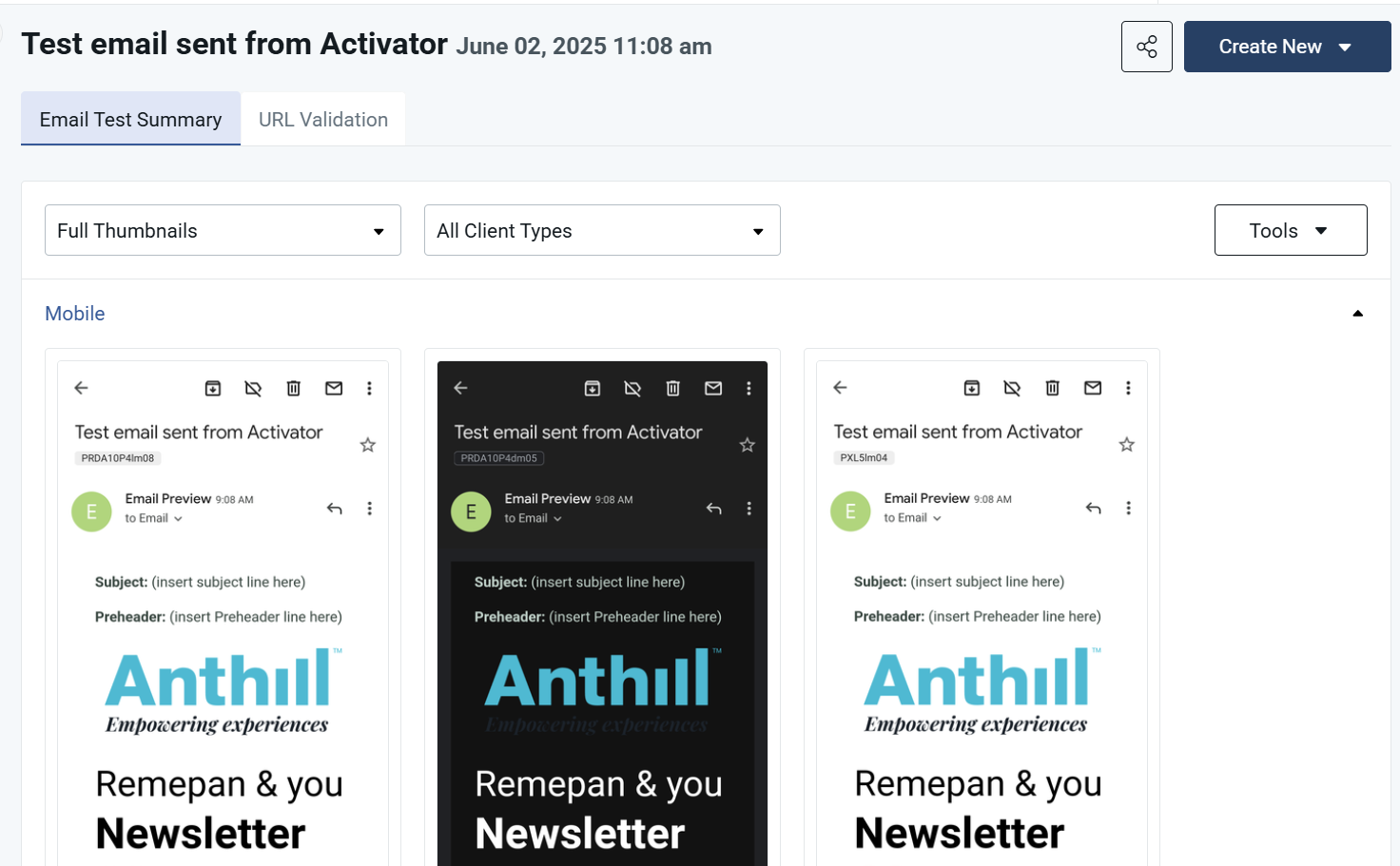
What to check in the received email
-
Layout consistency (spacing, alignment)
-
Image loading and scaling
-
Link correctness
-
Mobile rendering
-
Any critical client-specific issues (Outlook is usually the hardest)
Testing with fragments
Activator can’t test-send the assembled email with fragments inserted:
-
Test fragments individually, or
-
Test via your downstream platform’s test environment
Related