
Briefcase lets you reuse components across documents without rebuilding them. Instead of using a temporary clipboard, copied items are stored in your personal Briefcase until you remove them.
Availability
Briefcase is available to Content Designers and Brand Designers.
Typical use cases
-
Reuse a standard section across multiple documents
-
Move a complex component block without losing structure
-
Build multiple documents in one session without re-copying
Save a component to Briefcase
-
Open a document in the Workspace
-
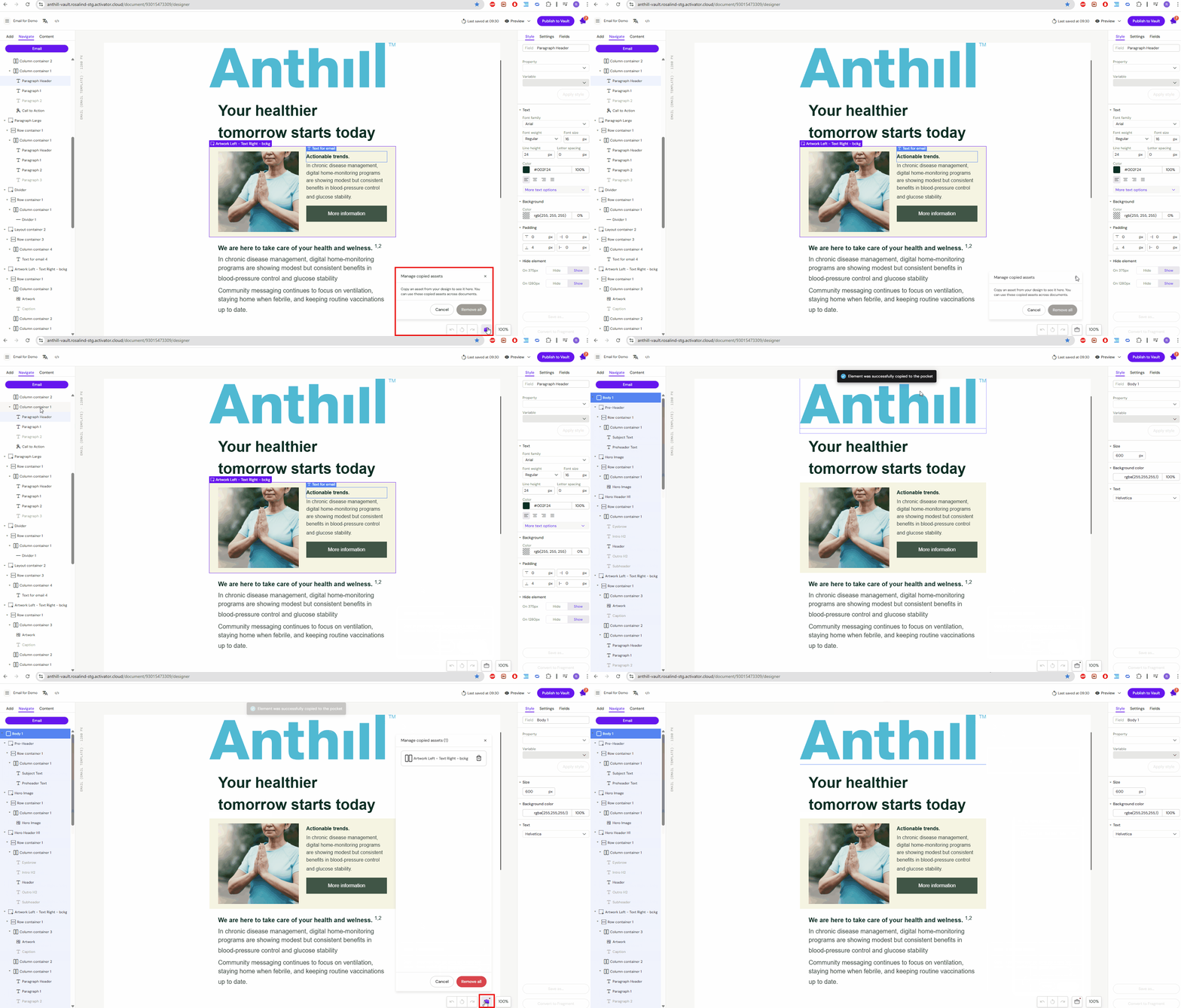
Select the component(s) you want to reuse
-
Copy (as you normally would)
The copied item is stored in your Briefcase.
Insert a component from Briefcase
-
Open the target document
-
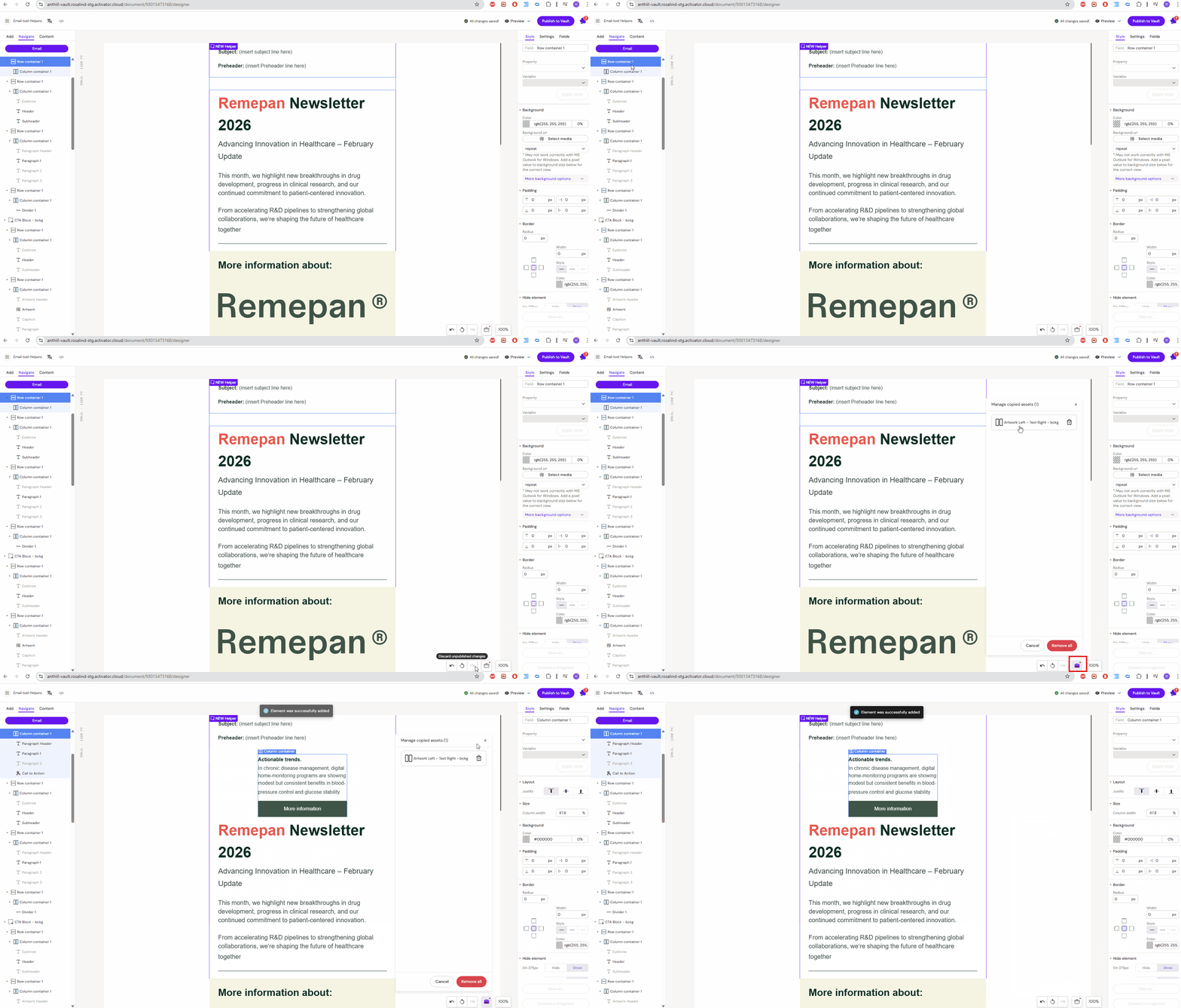
Open the Briefcase panel
-
Select the saved item
-
Insert/paste it into the correct location
What is preserved
Briefcase preserves the component structure and configuration, typically including:
-
Content
-
Layout/structure
-
Component settings (including connected fields, when applicable)
Important
The final appearance may still be affected by the target document and its Design System rules.
Design System compatibility
In most setups, you can only insert Briefcase items into documents that use a compatible Design System. This avoids broken styling and missing dependencies.
Varies by tenant (Anthill-managed)
Exact compatibility rules depend on tenant configuration. Learn more.
Manage your Briefcase
-
View items: open the Briefcase panel
-
Delete an item: remove a component you no longer need
-
Clear all: empty the Briefcase
Items remain in your Briefcase until you remove them.
Notes and limitations
-
Briefcase is personal: items are not shared with other users.
-
Cross-channel pasting may not be supported for all components.