
Text is edited in the Editor (Workspace UI). Depending on the component and your role, you edit directly on the canvas and adjust formatting in the right sidebar.
on the canvas and adjust formatting in the right sidebar.
Edit text on the canvas
-
Select the text element on the canvas (or select it in Navigate)
-
Double-click to enter edit mode
-
Type or paste your text
-
Click outside the element to exit edit mode
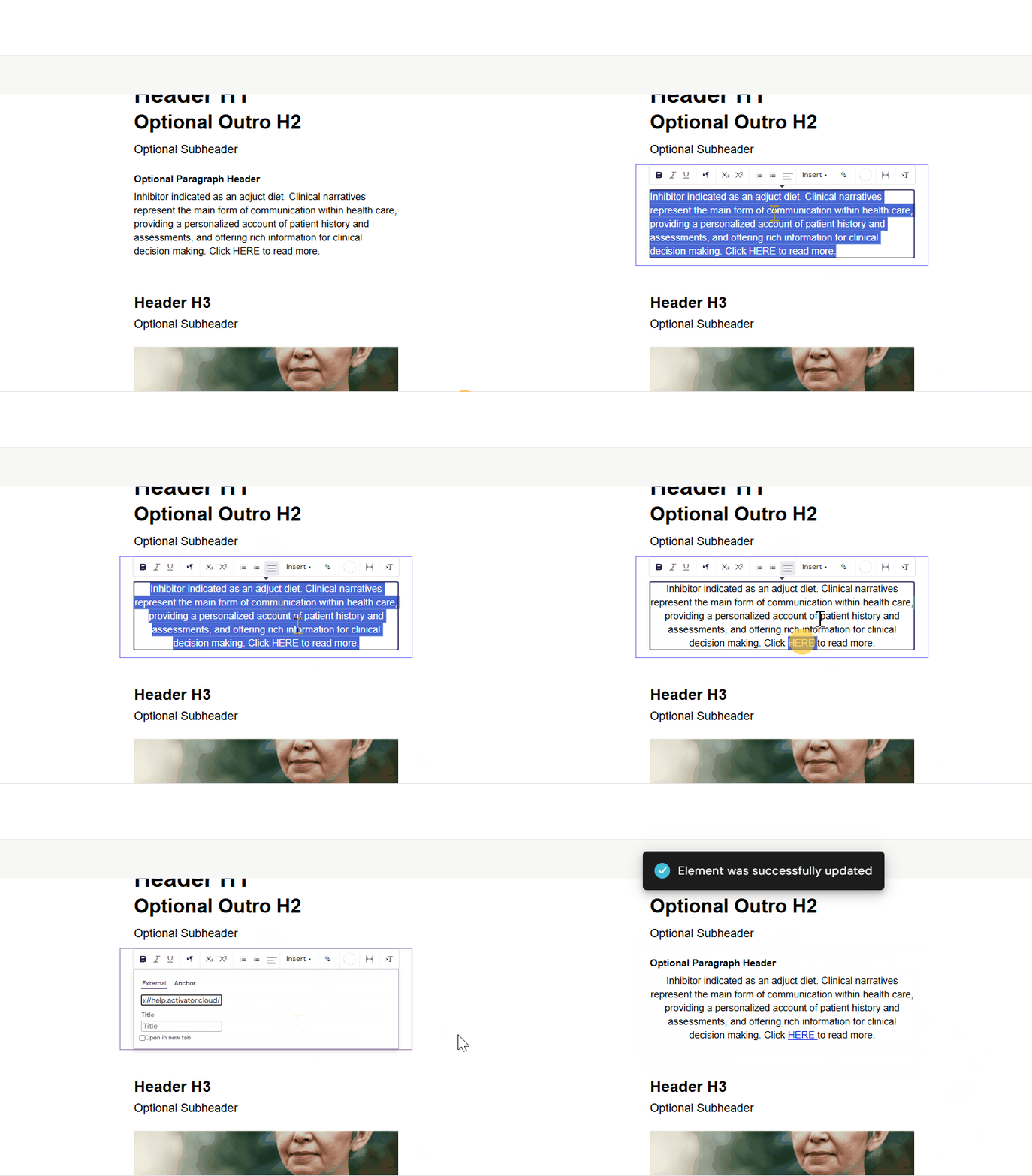
Format text
-
Select the text (or the text element)
-
Use the formatting controls available (toolbar and/or right sidebar)
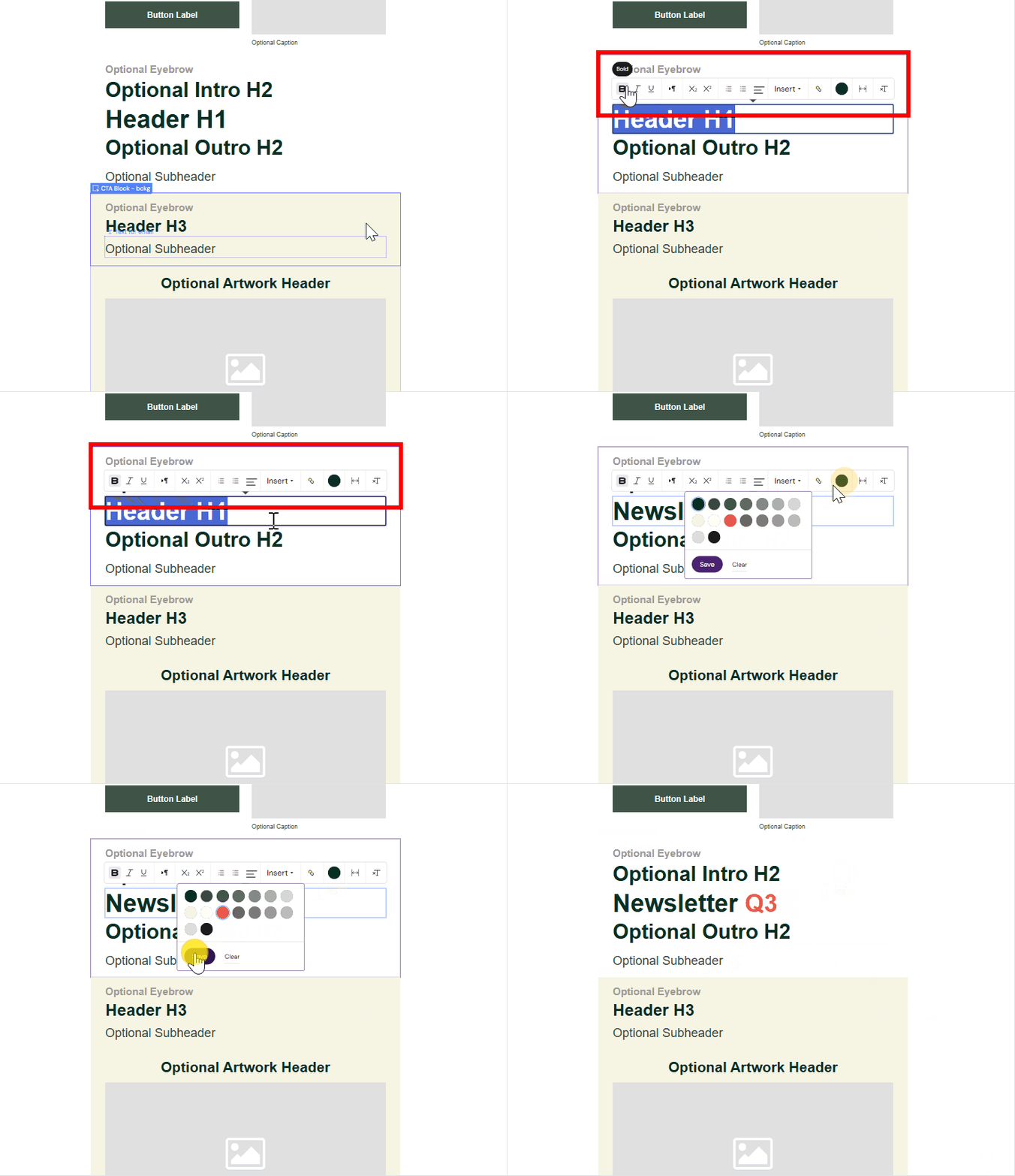
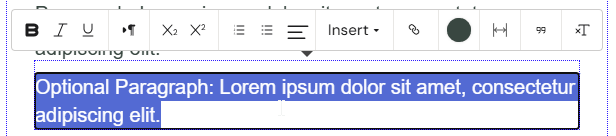
Common formatting options
-
Bold, italic, underline
-
Subscript / superscript
-
Ordered / unordered lists
-
Text alignment
-
Links
-
Text color
-
Preserve whitespace
-
Clear formatting
Note
The exact set of options depends on the selected component and your permissions.
Tips
-
Use Navigate to select nested text elements precisely.
-
If formatting is disabled or missing, the element may be locked down by the Design System or your role.
Text editing limitations
Some styling options (for example font family and font size) may be restricted to Designer roles.
Varies by tenant (Anthill-managed)
Role capabilities and available styling controls can be customised per tenant. Learn more.